Reframe your art to any ratioCrop to the new shape with full control, made for detailed art
When a piece needs a different shape — a 2:3 you also want as 4:5, or a portrait you need in landscape — Perfect Fit lets you crop to the new ratio with full control. Drag to set the framing, see it live, and keep every detail exactly where you want it.
Free → upload, frame, and download. No signup required.
Quick Answer
What is distortion-free crop?
When your art needs a different shape
Every print size has its own aspect ratio. So a 2:3 piece you also want as a 4:5, or a portrait you need to run as a landscape, has to change shape to fit. The real question is who decides what stays in frame.
A generic online resizer makes that call for you. Doing it by hand in Photoshop puts you in control but takes real time, size by size. Perfect Fit gives you both — the control of framing it yourself, at the speed of an automatic tool.
Perfect Fit: reframe with full control
Perfect Fit reframes your image to the target ratio by cropping around the subject you choose. You decide what belongs in the new shape: drag the focal frame, watch a live preview, and export when it looks right. Because it crops to the new ratio, the proportions you drew stay exactly as they are, which makes it especially good for highly detailed work.
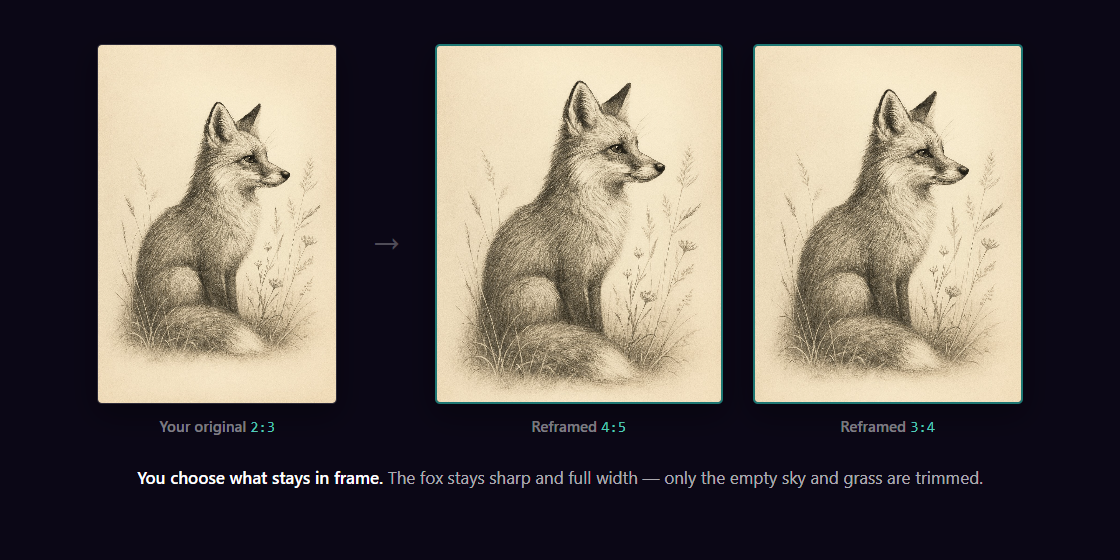
Same drawing, three print ratios. Each one framed to keep the subject, at full detail.
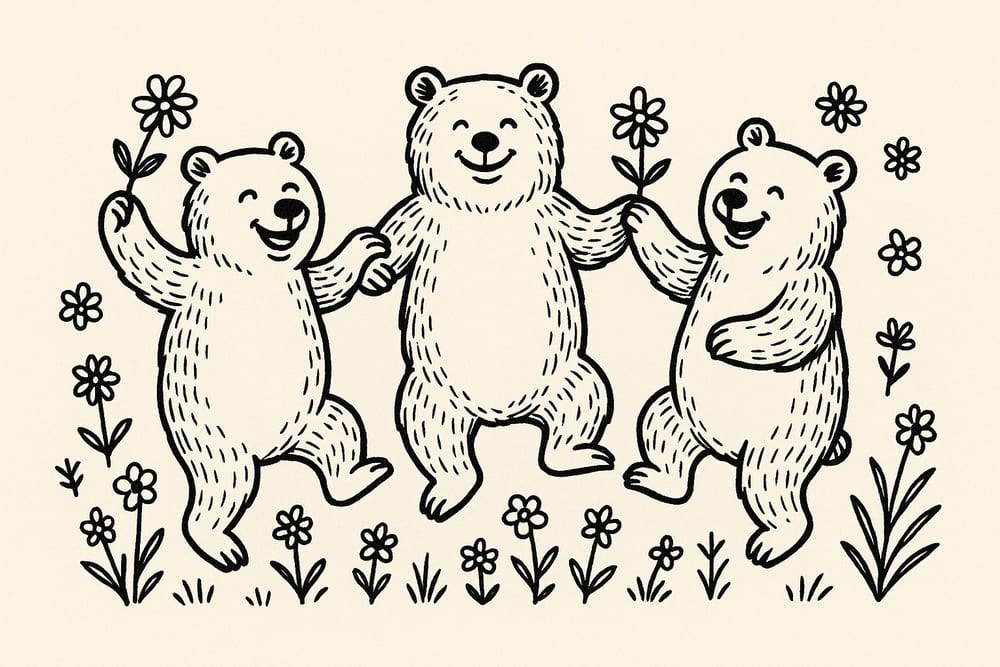
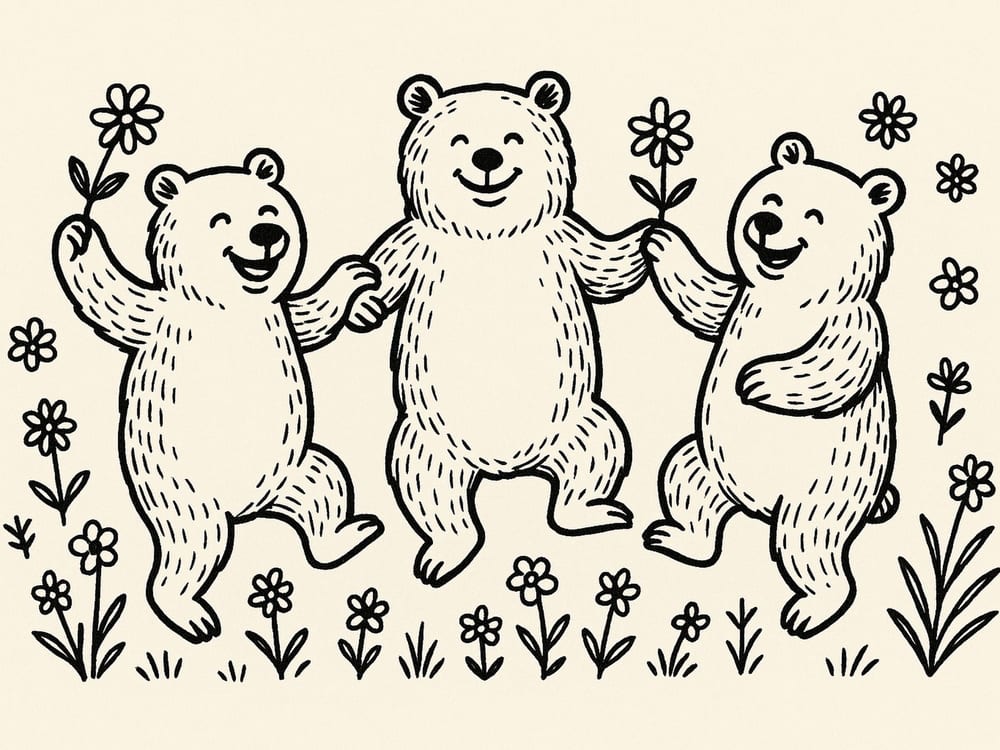
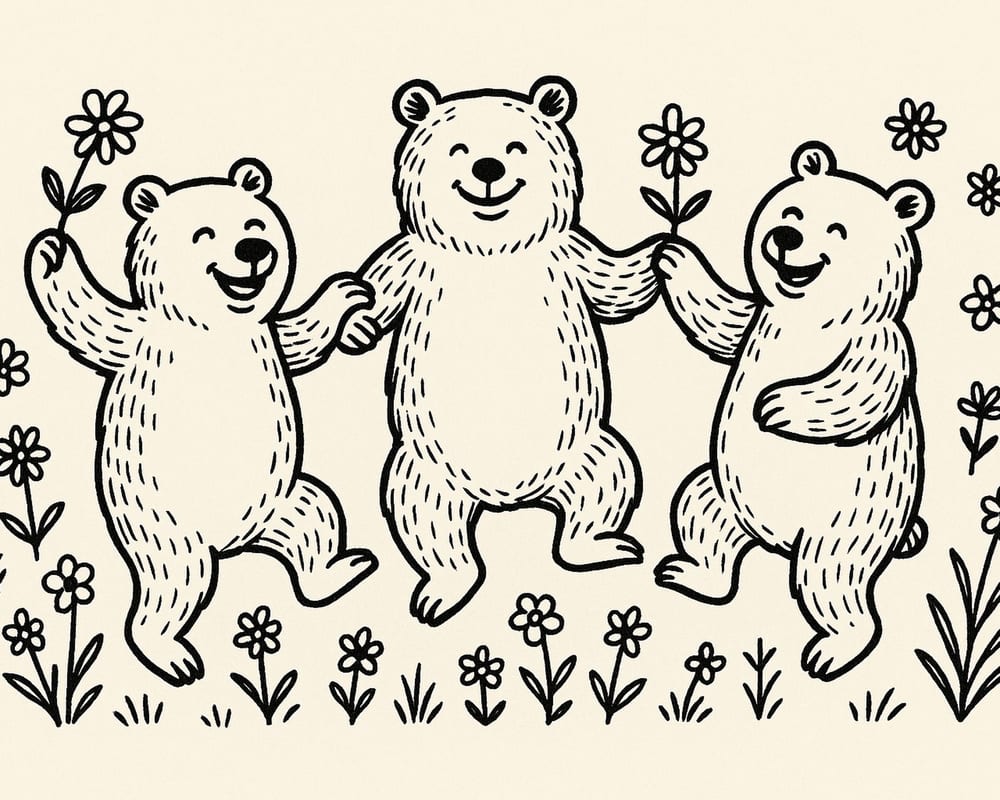
Works the same for landscape art — the bears stay full while the empty floral margins are trimmed.
How distortion-free crop works
Upload your art
Drop in a JPG, PNG, or WEBP. Any shape — portrait, landscape, or square.
Drag to frame
Position the focal frame for the new ratio and watch the live preview. What you see is what exports.
Export every size
Get the full ratio pack at 300 DPI, framed exactly as you set it, in an Etsy-ready ZIP under 20 MB.
See it framed before you export
Upload a piece and drag the frame — the preview shows exactly what you'll get at every size. Full control, no guesswork.
Try Perfect Fit FreeWho distortion-free crop is for
Pieces where exact proportions and deliberate framing matter. You set the crop yourself and keep every line precisely as you drew it.
A Pinterest 2:3 that needs to become an Instagram 4:5, or a print you also post as a banner. Reframe once, in whichever orientation you need.
Maps, typography, faces, fine linework — anywhere the framing has to be just so, you choose it instead of leaving it to a tool.
Offer the same art as a tall statement print and a wider framed piece — each framed exactly how you want it.
How to change aspect ratio without stretching
A ratio change is a shape change: a 2:3 canvas and a 4:5 canvas simply hold different amounts of image. So the way to move art between print ratios while keeping every proportion exact is a crop you control — you decide what the new shape holds, instead of letting a resize decide for you.
In Perfect Fit that takes three steps: upload your art, drag the focal frame until the new ratio holds exactly the composition you want (with a live preview), and export — every print size in that ratio comes out at 300 DPI with your proportions untouched.
Perfect Fit vs the usual ways to change ratio
There are a few ways to get art into a new shape. Here's where Perfect Fit lands against a generic online resizer and cropping by hand.
| What you want | Perfect Fit | Generic resizer | By hand (Photoshop) |
|---|---|---|---|
| Choose what stays in frame | Yes, you drag it | Crops to center | Yes, manually |
| See it before you export | Live preview | Rarely | Yes |
| Keep exact proportions | Yes | Varies | Yes, manually |
| Portrait and landscape | Yes | Varies | Yes |
| Every Etsy size at once | Yes, full pack | One at a time | One at a time |
| Time per piece | Under a minute | Minutes | 30+ minutes |
Already the right shape and just need every size? That's what Size Packs are for — fast, full detail, your whole composition kept. Perfect Fit is the companion for when the shape itself needs to change, or the framing has to be exact.
Reframe your art, exactly how you want it
Upload a piece, drag to set the framing, and export the full ratio pack at 300 DPI with every detail kept.
Try Perfect Fit FreeFAQ — distortion-free crop
Reframe it with a focal crop you control. Perfect Fit lets you drag to choose what stays in frame for the new ratio, shows a live preview, then exports every size in that ratio at 300 DPI — so the proportions you drew stay exactly as they are.
Crop to the new ratio instead of resizing into it. Changing aspect ratio changes the shape of the canvas, so the honest way to keep proportions exact is a controlled crop: you choose what stays in frame for the new shape. Perfect Fit gives you a draggable focal frame with a live preview, then exports every print size in the new ratio at 300 DPI.
No. Perfect Fit reframes by cropping to the target shape around the subject you choose, so your proportions are preserved exactly. That is what makes it a great fit for highly detailed work.
Yes, that is the whole point. You drag to position the focal frame and see a live preview before exporting, so you decide exactly what stays and what falls outside the new ratio.
Yes. Perfect Fit reframes in portrait or landscape, so you can take a portrait piece to a landscape ratio (or the reverse) and frame it exactly how you want.
They do different jobs.
scale your whole image to every size in a ratio family — fast, full detail, and the right call for most art. Perfect Fit crops to a new shape with you choosing the framing — reach for it when you want exact control over the composition, your piece is highly detailed, or you need a different ratio than the original.
Yes. You can reframe and export on the free tier, and exports are clean — no watermark. Pro lifts the daily limits — see pricing for details.
Need your art in a different ratio, framed exactly how you want?
Perfect Fit reframes it with full control — you drag to choose the framing, preview it live, and export every size. Under a minute.
Try Perfect FitNo account needed · No credit card required
Related: Digital Download Doesn't Fit My Frame? Fix It Free · Etsy Printable Size Guide (2026) · Etsy Print Ratios Explained · 2:3 vs 4:5 Ratio · How to Resize Images for Etsy Digital Downloads · Sell Printables on Etsy Without Photoshop
Free tool: Print Size Calculator — check any image against 30 sizes instantly