How to Resize Images for EtsyDigital downloads that print sharp at every size
Most Etsy sellers confuse listing photo sizes with digital download file sizes. This guide covers both — plus the exact pixel dimensions for every standard print size at 300 DPI.
Free → upload once, get 30 print sizes in seconds.
Quick Answer
How do I resize images for Etsy digital downloads?
Listing Photos vs. Digital Download Files — They're Not the Same
This is the #1 source of confusion for Etsy sellers. Listing photos and digital download files have completely different size requirements. Getting them mixed up leads to blurry prints, rejected uploads, and bad reviews.
Listing Photos
The images buyers see when browsing your shop.
- •Minimum 2000×2000 px (Etsy recommendation)
- •72 DPI is fine (screen display only)
- •Etsy compresses these automatically
- •Use mockups showing art in a frame
Digital Download Files
The actual product buyers receive after purchase.
- •300 DPI required (print standard)
- •Pixel dimensions vary by print size
- •Each file must be under 20 MB
- •Multiple sizes expected by buyers
Common mistake: Uploading 2000×2000px listing photos as your digital download files. At 300 DPI, that's only 6.7×6.7 inches — too small for anything except a small greeting card. Buyers who print this at 8×10 get a blurry, pixelated result.
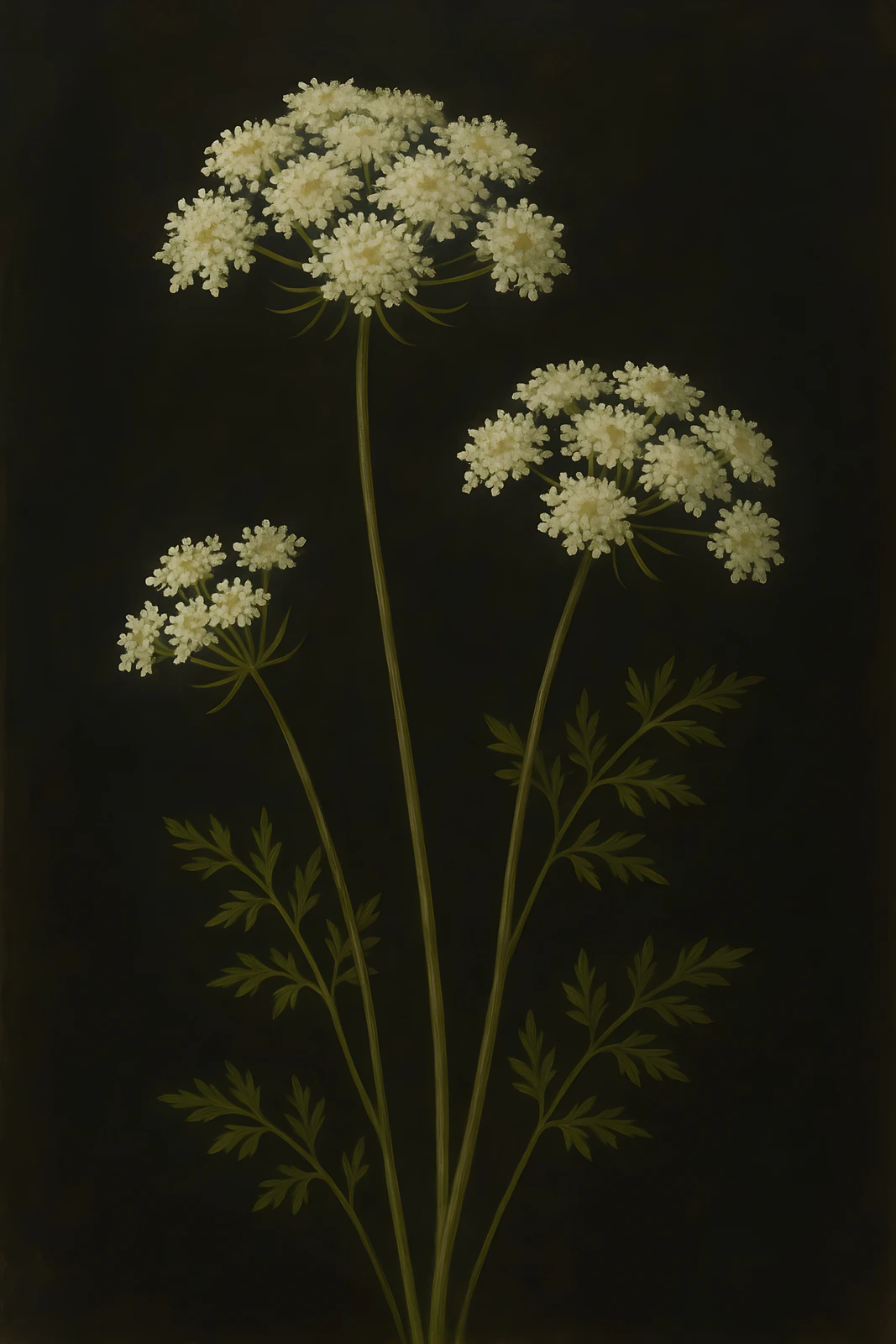
Wildflower Botanical
Original artwork · 2:3 · 5 listing photos
See what a complete 10-photo listing pack looks like — ready in seconds, with no manual staging.
Exact Pixel Dimensions for Every Etsy Print Size
The formula is simple: inches × 300 = pixels at 300 DPI. Here are the most common sizes Etsy buyers expect:
| Print Size | Pixels @ 300 DPI | Ratio Pack |
|---|---|---|
| 4×6 | 1200 × 1800 | 2:3 |
| 5×7 | 1500 × 2100 | Extras |
| 8×10 | 2400 × 3000 | 4:5 |
| 8.5×11 | 2550 × 3300 | Extras |
| 11×14 | 3300 × 4200 | Extras |
| 12×18 | 3600 × 5400 | 2:3 |
| 16×20 | 4800 × 6000 | 4:5 |
| 18×24 | 5400 × 7200 | 3:4 |
| 24×36 | 7200 × 10800 | 2:3 |
| A4 | 2480 × 3508 | ISO |
This table covers the 10 most popular sizes. For the complete list of all 30 sizes across 5 ratio packs, see the full Etsy print sizes guide.
Before resizing, run your image through our print size calculator to see which sizes fit without cropping.
Notice how sizes fall into different aspect ratios. You can't resize an 8×10 (4:5) to a 12×18 (2:3) without cropping or distortion — they're different proportions. This is why professional sellers offer files in multiple ratios.
Why You Can't Just “Resize” One File to Every Size
Different print sizes have genuinely different shapes — a 2:3 photo and a 4:5 frame are not the same proportions. Resize between them by hand and you are guessing: drag to fit and you risk cropping the edges or reshaping by eye.
SnapToSize takes the guesswork out with two modes that each put you in control:
Your whole image, fitted to every standard ratio — nothing cropped out. Each file lands print-ready at 300 DPI in an organized ZIP.
Want a different shape than your original? You choose exactly what stays in frame with a focal crop you control — proportions exact, with a live preview before export.
One deer upload, every standard ratio, the whole image kept — up to 70 print-ready files from a single upload, each ZIP under Etsy's 20 MB limit. Tap any print to enlarge.
Every standard ratio — organized into 5 packs from one upload
4×6, 6×9, 8×12, 10×15, 12×18, 16×24, 20×30
7 sizes — photography standard (DSLR default, also popular for AI art)
6×8, 9×12, 12×16, 15×20, 18×24
5 sizes — classic photo frame ratio
8×10, 12×15, 16×20, 20×25, 24×30
5 sizes — #1 selling ratio (frames everywhere)
A5, A4, A3, A2, A1
5 sizes — international standard (EU/UK/AU)
5×7, 8.5×11, 11×14, 11×17, 13×19, 20×24
6 sizes — common US sizes
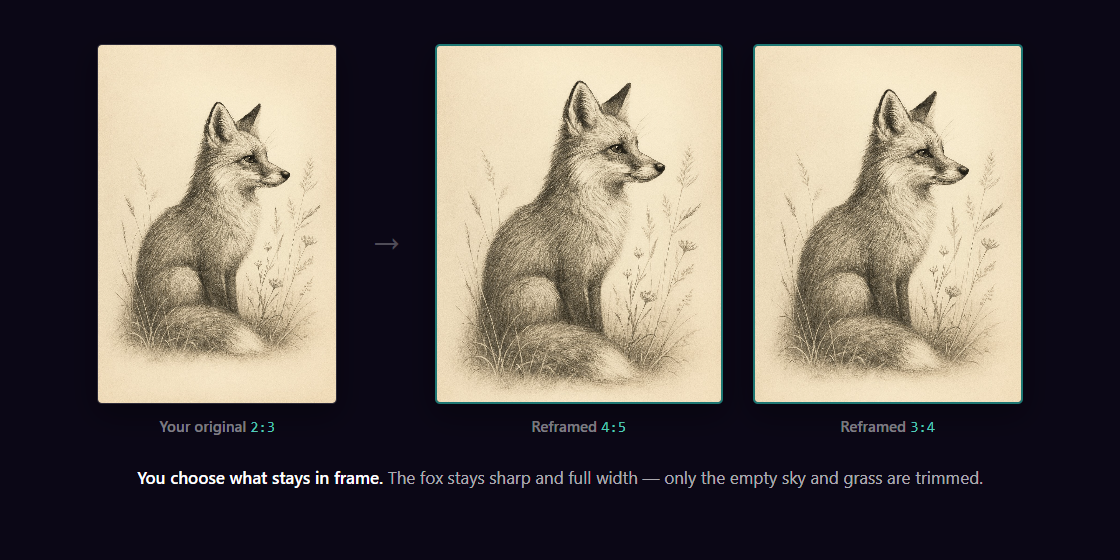
Need a shape your original doesn't have?
Perfect Fit reframes any artwork to a new ratio with a focal crop you control — keep the subject, trim only the empty space, proportions stay exact. No more “Do you have this in 4:5?” messages.
See how Perfect Fit works →Done by hand, each ratio is its own export job — calculate, resize, export, name, repeat. That's why manual resizing runs 1–3 hours per artwork. SnapToSize collapses the whole job into one upload.
Skip the Manual Resizing
Upload your artwork once. Get all 30 sizes across 5 ratios — organized into ZIP packs, named professionally, every file under 20 MB.
Generate All Sizes FreeThe Manual Resizing Problem
You can resize manually in any image editor — open your file, change the dimensions, export, rename, repeat. The steps are straightforward. The problem isn't difficulty, it's volume:
- Calculate pixel dimensions for each size (inches × 300)
- Resize to exact pixels with correct resampling (Bicubic or Lanczos, not Nearest Neighbor)
- Export as JPEG at 300 DPI with sRGB color profile
- Name each file professionally (e.g.,
artwork_8x10_300dpi.jpg) - Organize into ratio pack folders and ZIP each one
- Verify every ZIP is under 20 MB
Repeat steps 1-4 for each of the 30 sizes. Then repeat the entire process for every new artwork.
Time check: Each size takes 2-5 minutes. For 30 sizes across 5 ratios, that's 60-150 minutes per artwork. If you have 10 listings, that's 10-25 hours of resizing.
5 Settings You Must Get Right
Resolution: 300 DPI (not 72 or 150)
72 DPI is screen resolution. An 8×10 at 72 DPI is only 576×720 pixels — prints will be blurry and generate bad reviews. Always use 300 DPI for print files.
Color Profile: sRGB
Adobe RGB and ProPhoto RGB shift colors when printed on consumer printers. sRGB is the universal standard. In Photoshop: Edit → Convert to Profile → sRGB IEC61966-2.1.
Format: JPEG (not PNG)
PNG creates files 5-10× larger with no visible print quality improvement. A 24×36 PNG can be 65 MB — far over Etsy's 20 MB limit. JPEG at 300 DPI is the professional standard.
Resampling: Bicubic or Lanczos (not Nearest Neighbor)
Nearest Neighbor creates jagged edges. Bicubic Sharper (Photoshop) or Lanczos (GIMP/SnapToSize) produces the smoothest scaling with maximum sharpness preserved.
File naming: Clear, professional names
Use names like artwork_8x10_300dpi.jpg. Buyers should instantly find the right file. Avoid generic names like “print1.jpg”. See our file naming guide for best practices.
Batch Resizing: The Scalability Problem
Manual resizing works for your first listing. It doesn't scale. Here's the math:
Photoshop Actions can automate some of the process, but they don't handle different aspect ratios — they either crop or distort. Canva requires creating 30 separate designs per artwork.
Tools like SnapToSize solve this by generating all sizes from one upload. The output is organized into ratio pack ZIPs, each named professionally and guaranteed under 20 MB. This is especially valuable for high-volume niches like AI-generated art, where sellers often list dozens of designs per week.
Stop Resizing Manually
Upload once. Get 30 sizes across 5 ratio packs. 300 DPI, JPEG, sRGB, professional naming, under 20 MB — all handled automatically.
Try Free — No Credit CardCommon Resizing Mistakes That Ruin Your Prints
Scaling up a small image
You can't add pixels that don't exist. Enlarging a 1000×1000px image to 7200×10800px creates a blurry, pixelated result. Always start with the largest possible source file and scale down.
Ignoring aspect ratio when resizing
Force-fitting a 2:3 photo into an 8×10 (4:5) frame either crops the edges or stretches the image. Neither looks professional. Generate separate files for each ratio.
Saving at the wrong DPI
If your file has the right pixel dimensions but is tagged as 72 DPI, some print services may scale it incorrectly. Always verify the DPI metadata matches 300 in your export settings.
Putting all 30 sizes in one ZIP
One giant ZIP exceeds Etsy's 20 MB limit and confuses buyers. Organize into separate ZIP files by ratio pack. See our 20 MB limit guide for the correct structure.
What Resolution Should Your Source File Be?
Your source file needs to be large enough to cover the biggest print size you want to offer. Here's the minimum for each tier:
Basic (up to 8×10)
2400 × 3000 pixelsStandard (up to 16×20)
4800 × 6000 pixelsFull coverage (up to 24×36)
7200 × 10800 pixelsMost modern cameras (including smartphones from 2020+) capture at least 12 MP, which covers 8×10 and 16×20 comfortably. For 24×36 coverage, use a DSLR/mirrorless camera or create artwork at high resolution in Procreate, Illustrator, or similar tools.
What Etsy Buyers Expect in Digital Download Listings
Competitive Etsy listings include multiple sizes across different ratios. Here's what top-selling digital download shops include:
Listings that only include one or two sizes get fewer sales and more “Do you have this in 8×10?” messages. Including all standard sizes eliminates these friction points. We confirmed this pattern across real listings — see our 466-listing size study for the exact breakdown of what sellers ship.
Resize Once. Sell Everywhere.
Upload your artwork and instantly receive 30 print-ready files across 5 ratio packs. 300 DPI, JPEG, sRGB, professional naming — every file guaranteed under 20 MB. No Photoshop required.
Start Free — Generate Sizes NowFrequently Asked Questions
For digital download print files, use 300 DPI and calculate pixels by multiplying inches × 300. Common sizes: 5×7 = 1500×2100px, 8×10 = 2400×3000px, 11×14 = 3300×4200px, 16×20 = 4800×6000px, 24×36 = 7200×10800px. For listing photos (the images buyers see when browsing), use at least 2000×2000 pixels at 72 DPI.
Always scale down from a larger source file — never scale up. Use bicubic or Lanczos resampling (not nearest-neighbor). Keep your source file at the highest resolution possible. Export as JPEG at 300 DPI with sRGB color profile. Quality setting 90-95% is ideal.
Listing photos are the images buyers see when browsing your shop — Etsy recommends 2000×2000px at 72 DPI. Digital download files are the actual products buyers receive after purchase — these must be print-ready at 300 DPI with exact pixel dimensions for each print size.
No. 2:3 and 4:5 (8×10) are different aspect ratios. Resizing with your whole composition intact would distort the image. You need separate files for each ratio, or use a tool like SnapToSize that generates all ratios from one source image — preserving your full composition in every size.
Manually resizing one artwork into 30 print sizes across 5 ratios takes 1-3 hours in Photoshop or Canva. This includes calculating pixel dimensions, resizing, exporting, naming, and organizing into ZIP packs. Automated tools like SnapToSize do this in under 30 seconds.
300 DPI is the professional standard for print files. This ensures sharp, detailed output when buyers print your artwork. Never use 72 DPI (screen resolution) or 150 DPI (draft quality) for printable downloads — buyers will get blurry results and leave negative reviews.
Ready to skip the manual resizing workflow?
SnapToSize automates everything in this guide. Upload one image, download 30+ sizes at 300 DPI in organized ZIPs.
Try It FreeNo account needed · No credit card required