Etsy Printable Bleed and Crop Marks — What You Actually Need
Confused about bleed settings, crop marks, and whether your Etsy files need them? Most sellers overthink this. Here's the definitive answer — and a way to skip the export juggling entirely.
Free plan available — no bleed settings required.
Quick Answer
Do Etsy printables need bleed and crop marks?
For most Etsy digital downloads — no. Bleed and crop marks are for commercial print shops that cut printed sheets with industrial equipment. Home printers and local copy shops don't use them. Include bleed only if your listing explicitly says the files are print-shop ready. Otherwise, skip it and focus on correct resolution (300 DPI) and accurate file dimensions — exactly what SnapToSize exports by default.
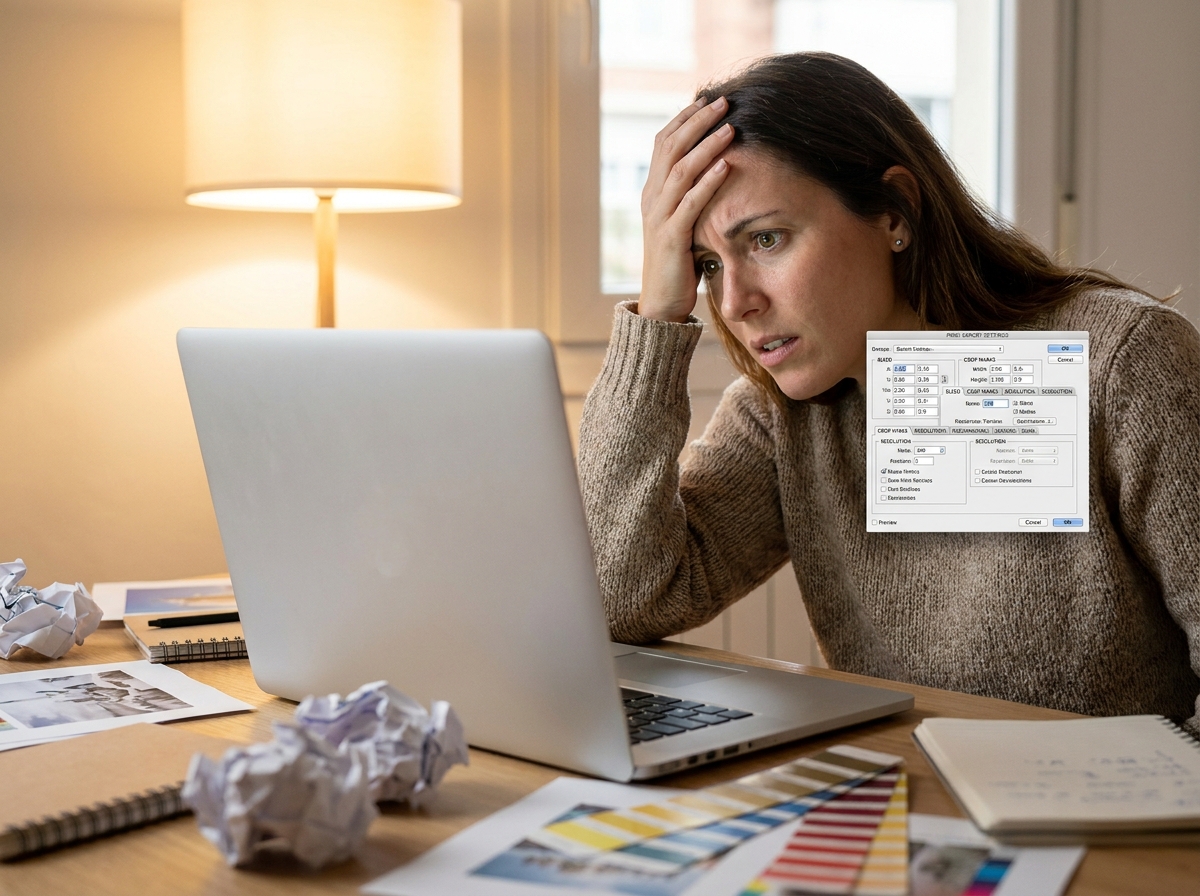
What Are Bleed and Crop Marks — and Why Etsy Sellers Ask About Them
Bleed is extra artwork that extends beyond the final trim edge of a printed piece. When a print shop cuts a stack of pages, the blade can shift slightly — bleed ensures no white edge appears where the cut lands slightly inside the design.
Crop marks (also called trim marks) are small lines printed outside the design area that tell the cutting machine exactly where to cut.
The confusion for Etsy sellers comes from design tools like Canva and Illustrator that surface these as export options — even when selling digital downloads for home printing. Seeing the toggle and not knowing whether to enable it creates unnecessary anxiety.
The fastest way to avoid bleed confusion entirely: use a tool that outputs exact print dimensions with no extra settings. SnapToSize does exactly that — clean files at the right size, no bleed toggles, no crop mark decisions.
When bleed IS needed
- Commercial print shops (Moo, Primoprint, etc.)
- Listing explicitly says "print-shop ready" or "bleed included"
- Buyer is a business printing in bulk
When to skip bleed
- Home printing (inkjet or laser printer)
- Walgreens, Walmart, Costco photo prints
- Wall art, quote prints, décor — standard Etsy printables
Do Etsy Buyers Actually Need Bleed Marks on Digital Downloads?
A Reddit thread in r/EtsySellers with 50+ comments confirms the confusion is widespread — but the consensus is clear: the overwhelming majority of buyers print at home or at a pharmacy/copy shop and have no idea what bleed is, let alone how to use it.
Adding bleed to a standard digital download can actually cause problems: the buyer's home printer may cut off the extra margin in unexpected ways, producing prints with odd borders or missing edges. For wall art especially, clean exact-dimension files are what buyers want.
The practical rule: unless your listing description explicitly says "professional print shop ready with bleed and crop marks," leave bleed off. You'll reduce support messages and confusion.
Manually managing bleed, export formats, and file dimensions for every print size?
Upload your design once. SnapToSize outputs print-ready files for every standard Etsy size — correct dimensions, 300 DPI, under 20MB. No bleed confusion.
Try SnapToSize FreeNo account needed · No credit card required
How to Add Bleed in Canva for Etsy Printables
If you've decided your listing does need bleed (e.g., you're selling professional print-ready files), here's how to do it in Canva:
- 1Open your design in Canva Pro (bleed requires Pro).
- 2Go to Share → Download.
- 3Select "PDF Print" as the file type.
- 4Enable "Crop marks and bleed" toggle.
- 5Download — Canva adds 0.125" bleed automatically on all sides.
Note: When bleed is on, your PDF canvas is 0.25\" wider and taller than your design dimensions (0.125\" on each side). This will slightly increase file size — keep an eye on Etsy's 20MB file limit.
How to Add Bleed in Illustrator and InDesign
Adobe Illustrator
- 1. File → Document Setup → Bleed
- 2. Set all sides to 0.125 in (3mm)
- 3. File → Save As → Adobe PDF
- 4. Marks & Bleeds → check "Use Document Bleed Settings"
- 5. Enable "Trim Marks" for crop marks
Adobe InDesign
- 1. File → Document Setup → Bleed
- 2. Set Top/Bottom/Left/Right to 0.125 in
- 3. File → Export → Adobe PDF (Print)
- 4. Marks and Bleeds → Use Document Bleed Settings
- 5. Check "Crop Marks" to include trim marks
Remember: the exported PDF will be larger than your trim size. A 5×7 design with 0.125\" bleed exports at 5.25×7.25 inches. Buyers who download this and print at home will see crop marks printed on the page — make sure your listing description explains this.
Should You Include Crop Marks in Your Etsy Listing Files?
Crop marks in a home-print file look confusing and unprofessional. The buyer opens the PDF and sees small lines in each corner — they don't know what they are and can't remove them. This generates support messages.
For 95% of Etsy digital download sellers, the answer is: no crop marks. The only exception is if you're specifically selling "print-shop ready" files and clearly communicating that to buyers.
Buyers care about three things: correct print resolution (300 DPI), the right aspect ratio for their frame (a distortion-free crop fixes a mismatched one), and a clean file they can send straight to a printer. Crop marks are not on that list.
Recommended Bleed Size for Etsy Printables — The 0.125” Standard
If you do include bleed, use 0.125 inches (3mm) on all four sides. This is the universal print industry standard and what Canva, Illustrator, and InDesign all default to.
| Setting | Value | Notes |
|---|---|---|
| Bleed (all sides) | 0.125” / 3mm | Industry standard |
| Safe zone (keep text/logos inside) | 0.25” from trim | Prevents cutoff |
| Bleed for an 8×10 print | 8.25” × 10.25” | Canvas size with bleed |
| Bleed for a 5×7 print | 5.25” × 7.25” | Canvas size with bleed |
At 300 DPI, 0.125” equals 37.5 pixels. Your canvas gets 75px wider and 75px taller when you add bleed. This is why 5×7 at 300 DPI is 1500×2100px, but 5×7 with bleed is 1575×2175px.
If you use SnapToSize, you never calculate any of this — outputs are always exact print dimensions at 300 DPI, no bleed canvas added.
CMYK vs RGB: What Color Mode to Use for Etsy Print Files
This trips up sellers almost as much as bleed. The short answer:
Use RGB
For home printing, Costco, Walgreens, Walmart, Snapfish. RGB is the default for screens and most consumer print labs. Canva, Photoshop, and most digital design tools default to RGB.
Use CMYK
Only for professional print shops (Moo, Primoprint, Blurb). If you sell print-shop-ready files and your buyers are designers or businesses. Most Etsy buyers are not in this category.
Wrong color mode is a much more common complaint than missing bleed. Stick with RGB unless you have a specific reason to switch. SnapToSize exports in RGB by default — correct for virtually every Etsy buyer.
What Print-Ready Etsy Files Actually Look Like
Instead of managing bleed and export settings for every size manually, see what SnapToSize outputs — the same design, resized for every major Etsy print ratio, already at 300 DPI and under 20MB.
One upload. Five ratio-correct files.
Every ratio a buyer might need, generated from your original file — named, 300 DPI and ready to list.
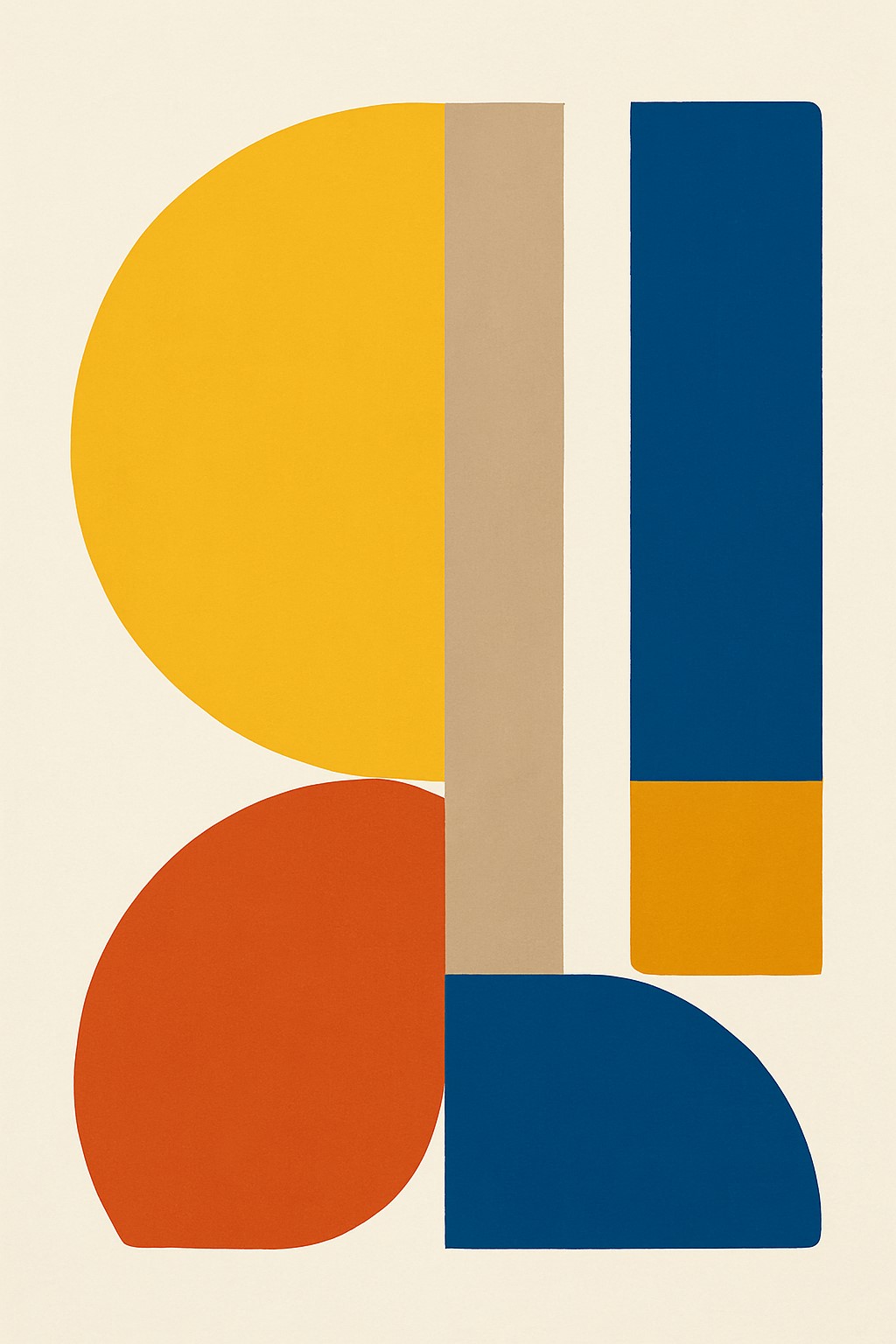
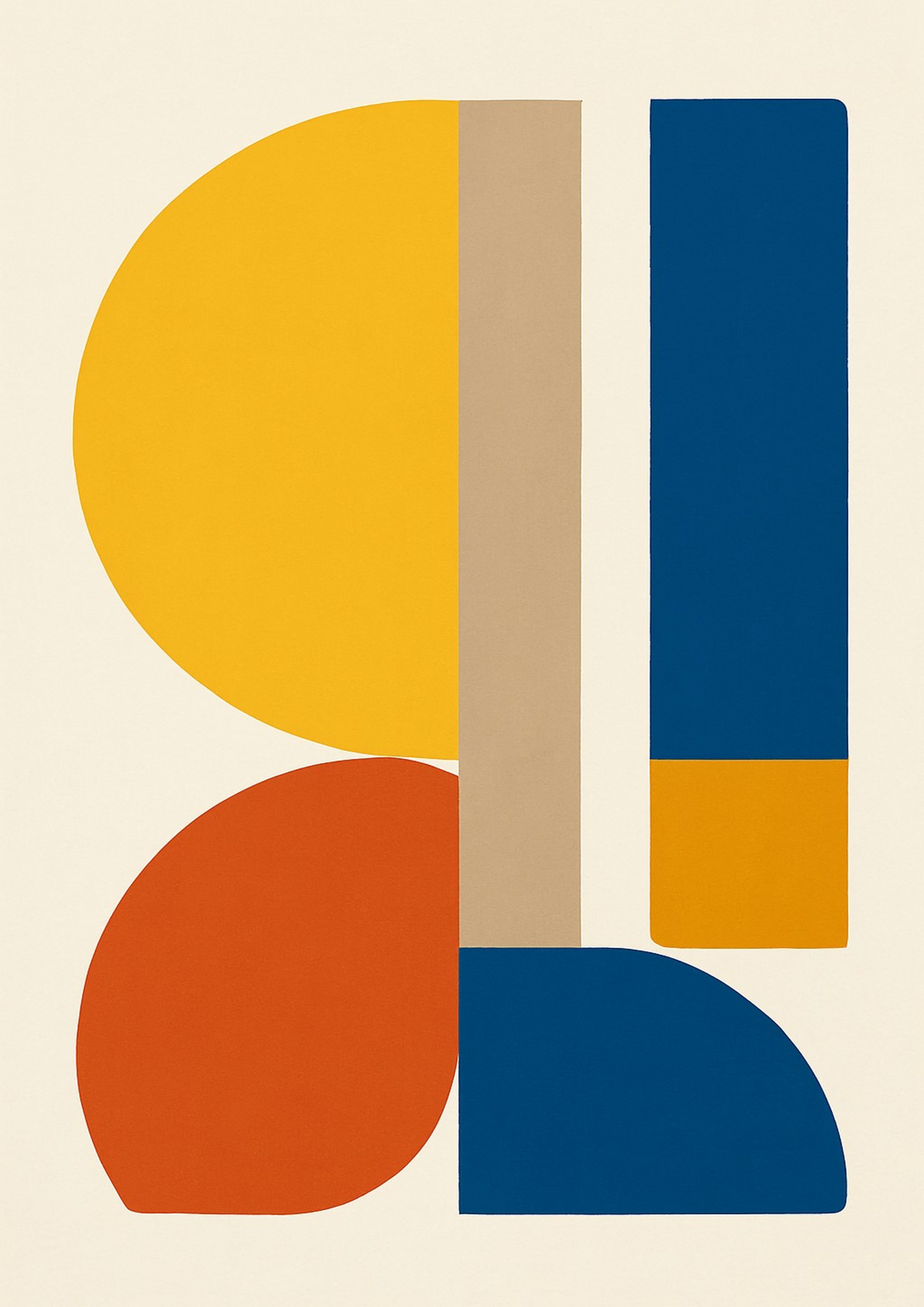
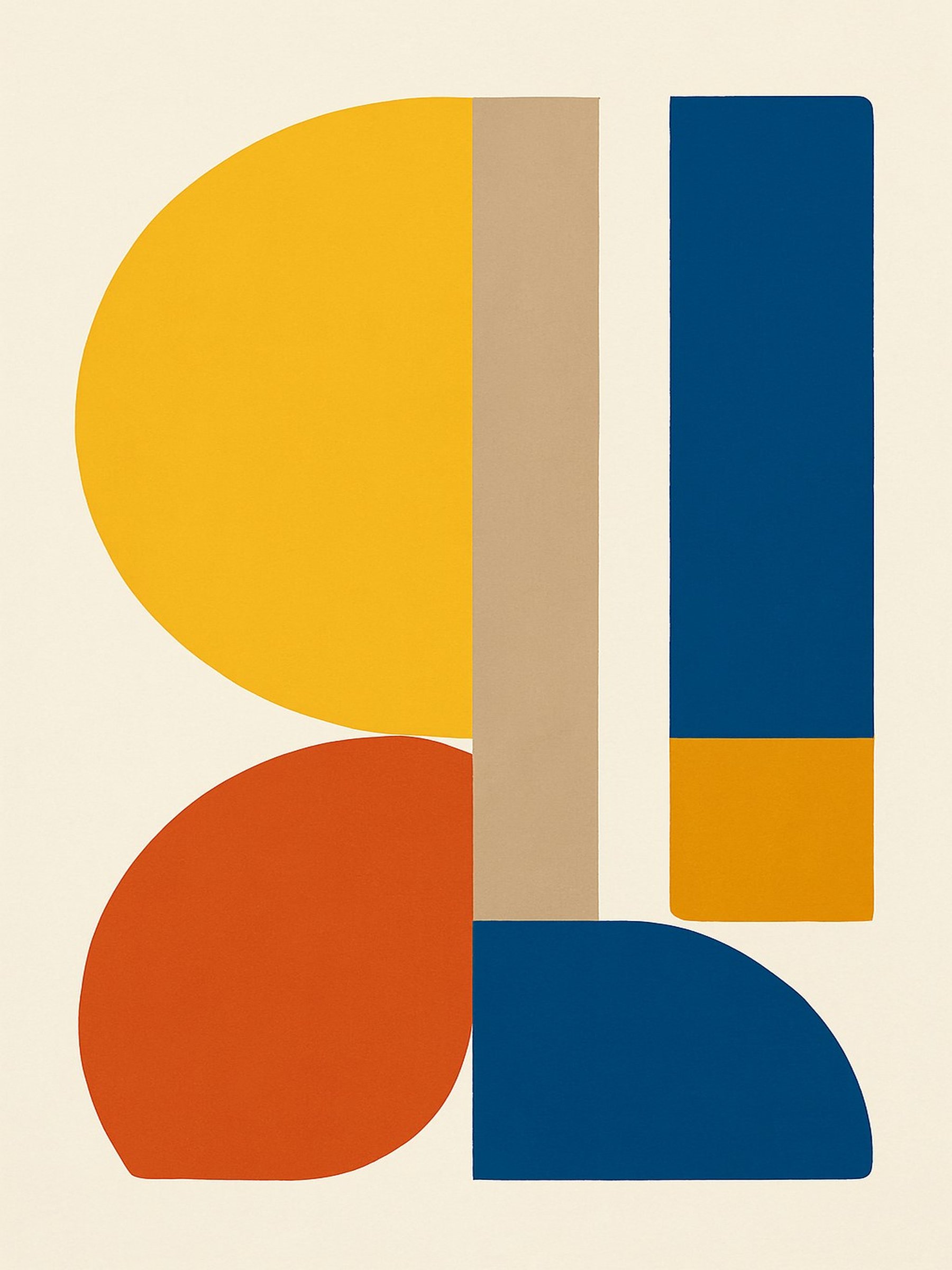
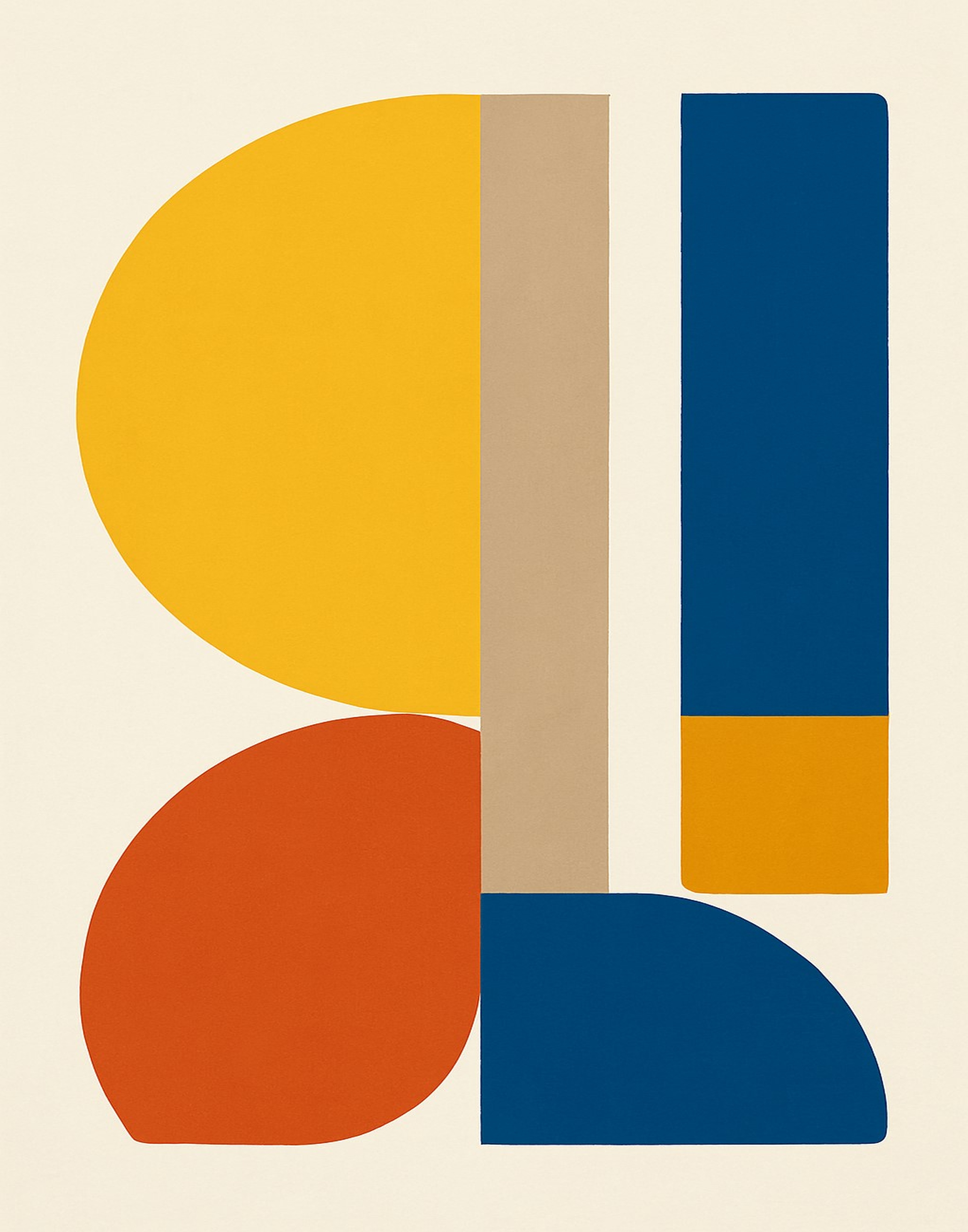
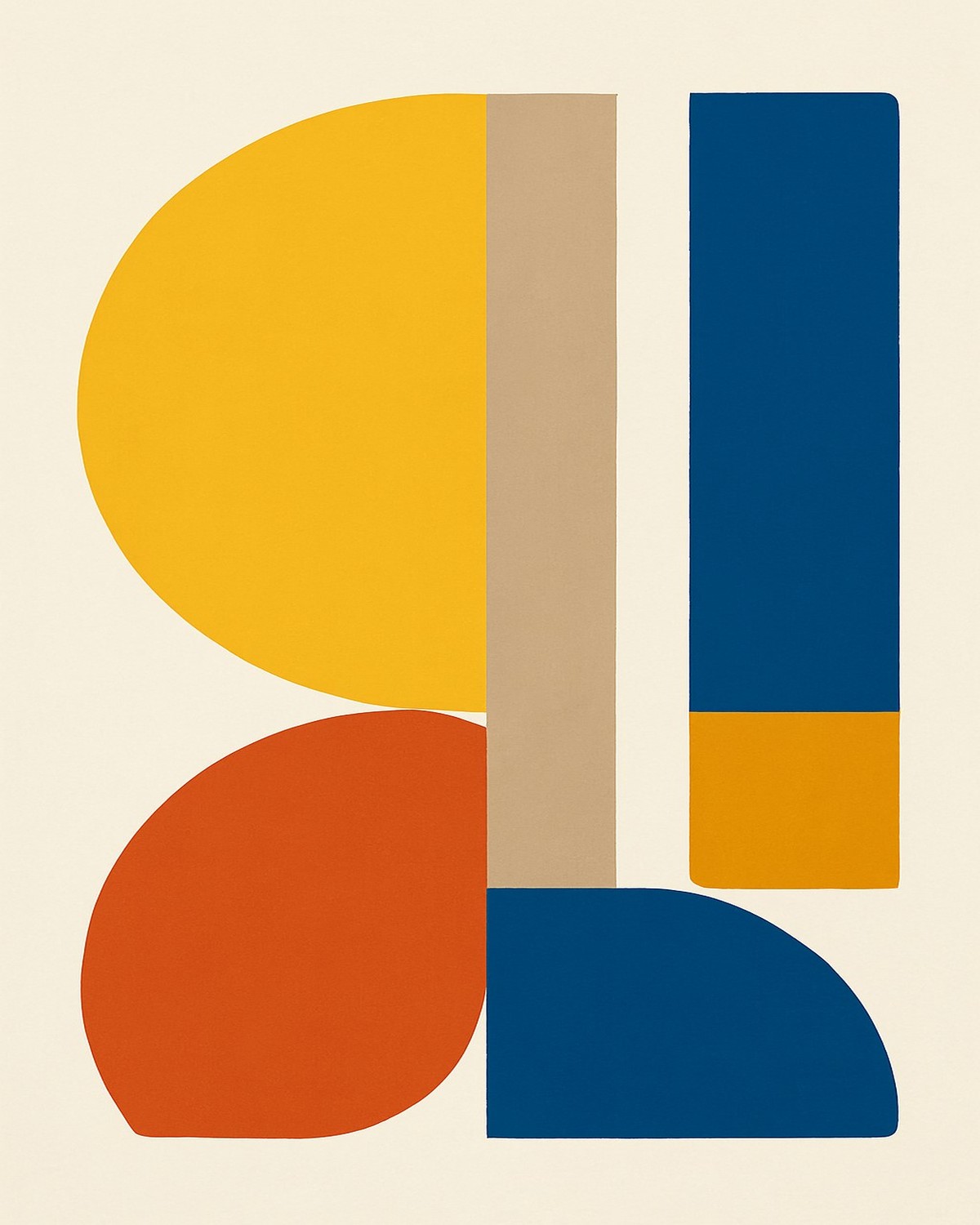 2×3A43×411×144×5
SnapToSize generates all five ratio-correct files from a single upload in seconds.
Try SnapToSize free →Related Print Setup Guides
Still setting up bleed and export settings manually for each file size?
SnapToSize handles dimensions, DPI, and file size automatically. Upload your original design and download a ZIP with print-ready files for all major Etsy sizes.
Start Free — No Credit CardNo account needed · No credit card required
Frequently Asked Questions
No — bleed is only relevant for commercial print shops. Home printers don't cut to a bleed line, so most Etsy buyers don't need or want bleed in their files. Include it only if your listing description specifically says files are print-shop ready.
The industry standard is 0.125 inches (3mm) on all four sides. This gives print shops enough margin to cut without losing important design elements. If you do include bleed, keep critical content at least 0.25 inches from the trim edge.
RGB is correct for most Etsy digital downloads. Home printers convert RGB to their own color space. Only use CMYK if you're targeting professional print shops and your listing states that explicitly.
In Canva, go to Share → Download → PDF Print, then enable the 'Crop marks and bleed' toggle. Canva will add 0.125" bleed and crop marks automatically. Note: this option is only available in Canva Pro. For most Etsy sellers, the simpler path is to skip bleed entirely — SnapToSize outputs exact-dimension files with no bleed settings or Canva Pro required.
Almost never. The vast majority of Etsy buyers print at home or at a local copy shop — neither scenario requires bleed marks. Buyers are far more likely to complain about wrong file sizes, low resolution, or the wrong aspect ratio than missing bleed.
Yes — Etsy enforces a 20MB per-file limit on all digital downloads, including PDFs with bleed. Adding bleed increases file size slightly because the canvas is larger. If your PDF exceeds 20MB, compress it or split the listing into separate files per size.
AI tools can explain what bleed is, but they can't inspect your specific files or know your buyer's printing setup. The reliable answer: skip bleed for home-print listings. Only include it if you're explicitly selling print-shop-ready files and say so in your listing.
No. SnapToSize outputs files at exact print dimensions — an 8×10 export is exactly 8×10 inches at 300 DPI, no bleed added, no crop marks included. This is exactly what Etsy buyers need: clean, exact-size files ready to print at home.
Stop fighting export settings. Get print-ready files automatically.
SnapToSize resizes your design to every standard Etsy print size — correct dimensions, 300 DPI, files under 20MB. No bleed confusion, no manual exports.
Try SnapToSize FreeRelated: Etsy 20MB File Limit · Etsy Print Ratios Explained · Print Sizes at 300 DPI · How to Resize Images for Etsy Digital Downloads · Etsy Digital Download Prints Blurry? Here's the Fix · How Many Sizes to Include in Etsy Printable
Free tool: Print Size Calculator — check any image against 30 sizes instantly