SnapToSize vs Photoshop for Etsy Print ResizingA professional editor vs a purpose-built production tool.
Photoshop costs $22.99/month and takes years to master. For Etsy sellers who just need all 30 print sizes from one finished artwork, there's a faster way — no software, no design skills, no cropping. Here's how the two tools compare for Etsy print production.
Free → upload once, get every standard print size.
Quick Answer
Is SnapToSize better than Photoshop for Etsy print resizing?
The Problem: Resizing Artwork for 30+ Etsy Print Sizes
Your artwork is finished. Now comes the production step: turning that single design into every size your Etsy buyers need. That means files across 5 different aspect ratios — 2:3, 3:4, 4:5, ISO, and extras — with multiple sizes in each ratio.
In Photoshop, batch resizing means creating Actions. But each Action targets one specific size. For all standard print sizes, you need dozens of separate Actions or a custom script — plus manual ZIP packaging, file naming, and checking each file stays under Etsy's 20 MB limit.
Anyone who's tried manual resizing knows how fast the time adds up. Open, resize, save as, rename — even a handful of sizes feels tedious. Now multiply that by 30+ sizes across 5 different aspect ratios, and add ZIP packaging, file organization, and 20 MB compliance checks on top. For a shop with 50 designs, you're looking at hundreds of hours per year on repetitive production work. Learn more about how many sizes top sellers include.
This is the multi-ratio bottleneck: Photoshop Actions work well for batch resizing to one size, but Etsy sellers need 30+ sizes across 5 different ratios. That's a fundamentally different problem than image editing.
Side-by-Side: Photoshop vs SnapToSize for Etsy Prints
Photoshop is a professional image editor. SnapToSize is a purpose-built Etsy production tool. Here's how they compare on the dimensions that matter for digital print production.
| Feature | Photoshop | SnapToSize |
|---|---|---|
| Monthly cost | $14.99–$22.99/mo (+ scripts) | $14.99/mo or free tier |
| Learning curve | Steep (Actions, scripts, batch processing) | Zero — upload and download |
| Output per artwork | 1 size per Action run (manual multi-ratio) | Up to 70 files from 1 upload |
| Ratio awareness | None — you specify exact pixels per Action | 5 ratio packs built in |
| Cross-ratio resizing | Crops artwork or adds white bars | Full composition preserved — no cropping |
| ZIP packaging | Manual (separate tool) | Automatic, organized by ratio |
| Etsy 20 MB compliance | Manual checking per file | Auto-optimized under 20 MB |
| 300 DPI guarantee | Must configure per Action | Every file, always |
| Professional file naming | Manual or script-dependent | artwork_8x10_300dpi.jpg |
| Time per artwork | 30–45 min (with Actions) / 1–2 hrs (manual) | ~30 seconds |
| Other uses | Photo editing, compositing, retouching, design | Etsy print production only |
Monthly cost
Photoshop
$14.99–$22.99/mo
SnapToSize
$14.99/mo or free
Learning curve
Photoshop
Steep (Actions, scripts)
SnapToSize
Zero — upload & go
Output per artwork
Photoshop
1 size per Action
SnapToSize
Up to 70 files
Ratio awareness
Photoshop
None (manual pixels)
SnapToSize
5 ratio packs built in
Cross-ratio resizing
Photoshop
Crops or adds white bars
SnapToSize
Full composition preserved
ZIP packaging
Photoshop
Manual (separate tool)
SnapToSize
Automatic, by ratio
20 MB compliance
Photoshop
Manual check per file
SnapToSize
Auto-optimized
300 DPI guarantee
Photoshop
Configure per Action
SnapToSize
Every file, always
File naming
Photoshop
Manual or scripts
SnapToSize
Professional naming
Time per artwork
Photoshop
30–45 min (Actions) / 1–2 hrs
SnapToSize
~30 seconds
Other uses
Photoshop
Full image editor
SnapToSize
Etsy production only
The Workflow Difference
✗ With Photoshop
- Open image in Photoshop ($22.99/mo subscription)
- Manually resize to each of 30 sizes, one by one
- Export each file individually (30 exports)
- Rename every file to match Etsy conventions
- Manually create ZIP files for each ratio group
- Verify each ZIP stays under 20MB
- Repeat for every new design — 45–90 min each
✓ With SnapToSize
- Upload one high-resolution image (free plan available)
- SnapToSize generates all 30 sizes — no cropping, ever
- Download 5 ratio ZIPs, each under 20MB
- Professional file naming included automatically
- 300 DPI guaranteed on every file
- Upload directly to Etsy — done
- Total time: under 30 seconds
Print Files Are Only Half the Listing
After resizing, sellers still need the room-scene photos that make an Etsy listing feel real. In Photoshop, that usually means finding templates and placing the artwork into each one manually. SnapToSize creates the listing-photo pack from the same artwork, matched to its format.
A portrait original staged in ten ready-to-list scenes.
Choose from 500+ mockup scenes across portrait, landscape, and square artwork.
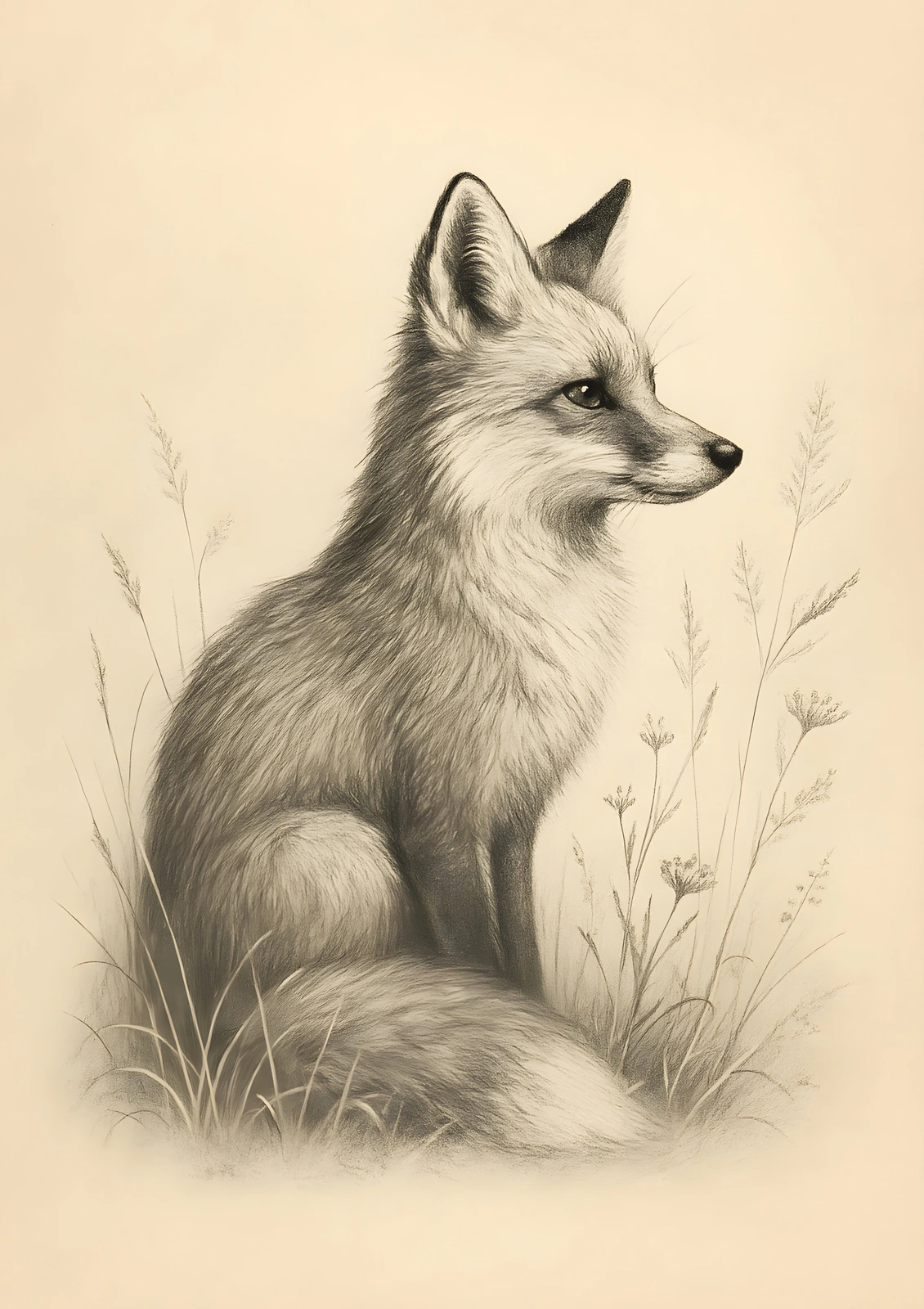
Fox Drawing
Original artwork · ISO A-series · 10 listing photos
See what a complete 10-photo listing pack looks like — ready in seconds, with no manual staging.
Where Photoshop Wins
Photoshop is the industry standard for a reason. For these tasks, it's the better tool — and SnapToSize isn't trying to replace it.
Creating and editing your artwork
If you design your wall art in Photoshop, the creation step happens there — retouching, compositing, color grading, layers. SnapToSize handles what comes after.
It’s a full creative suite
Photoshop does far more than resizing. If you need it for design work, it’s worth the subscription. But that doesn’t make it the right tool for every step.
The distinction is simple: Photoshop is where you create. SnapToSize is where you produce. Many sellers use both. For sellers who don't use Photoshop at all, SnapToSize handles the entire production step on its own.
Where SnapToSize Wins
For the specific task of producing all standard Etsy print sizes from finished artwork, SnapToSize is built for the job.
30 seconds — anyone who’s tried manual resizing knows
Even a few sizes in Photoshop or Fotor takes surprisingly long once you factor in save, rename, repeat. Multiply that by 30+ sizes across 5 ratios and the hours add up fast. SnapToSize: upload once, download everything.
Full composition preserved — no cropping
When you change ratio in Photoshop (e.g. 4:5 → 2:3), you must crop your artwork or add white bars. SnapToSize uses subject-aware sizing: it keeps your whole artwork in every size and fits each one around your subject.
All 5 ratios from one upload
2:3, 3:4, 4:5, ISO A-series, and Extras — generated simultaneously. In Photoshop, each ratio is a separate manual process.
Up to 70 print-ready files
Portrait and landscape orientations included. Every file at 300 DPI with professional naming conventions.
Zero setup, zero learning curve
No Actions to create, no scripts to install, no pixel dimensions to calculate. Works for sellers who’ve never opened Photoshop.
Etsy-ready ZIPs, under 20 MB
Organized by ratio, auto-optimized for Etsy’s file limit, professional naming. No manual packaging step.
Lower cost
$8.08/mo billed annually ($97/year), or $14.99/mo, vs $14.99–$22.99/mo for Photoshop. Plus a free tier with 5 Quick Exports and 2 Packs per day — Photoshop has none.
Every size you'd export by hand — from one upload
Drop in your art once. Get it back at every ratio, your whole image kept, each file named and 300 DPI, ready to list in 45 seconds.
Every standard Etsy ratio — 2:3, 3:4, 4:5, ISO A, plus extras — up to 70 print-ready files from one upload, each ZIP under Etsy's 20 MB limit.
Want one exact ratio instead? Perfect Fit reframes with a focal crop you control — your proportions stay exact, and you decide what stays in frame. See how it works →
Here are the exact sizes SnapToSize generates from a single upload. For the complete size guide with pixel dimensions, see our reference page.
2:3 Ratio — Most Common for Wall Art
4×6, 6×9, 8×12, 10×15, 12×18, 16×24, 20×30. Seven sizes covering the widest range of standard frames.
3:4 Ratio — Classic Photo Frame
6×8, 9×12, 12×16, 15×20, 18×24. Standard photo frame proportions.
4:5 Ratio — Home of the 8×10
8×10, 12×15, 16×20, 20×25, 24×30. The 8×10 is the single best-selling print size on Etsy.
ISO A-Series — International Buyers
A5, A4, A3, A2, A1. Standard paper sizes in the UK, Europe, and Australia.
Extras — Common In-Between Sizes
5×7, 8.5×11 (US Letter), 11×14, 11×17, 13×19, 20×24. Sizes buyers search for specifically.
Skip the Actions. Upload Once, Get Everything.
All 5 ratio packs. Portrait and landscape. Every file at 300 DPI, named and packaged for Etsy. No Photoshop required.
Try SnapToSize FreeReal Workflow: 1 Artwork → All Sizes
Here's what the production step actually looks like with each tool. For a detailed walkthrough of the SnapToSize workflow, see our complete Etsy resizing guide.
Photoshop Workflow
- 1Open artwork in Photoshop
- 2Run Action for first target size
- 3Save, rename, organize the output file
- 4Repeat for each of 30+ sizes (or run 30+ Actions)
- 5Manually create ZIPs per ratio group
- 6Check each ZIP stays under 20 MB
- 7Upload to Etsy listing
Time: 30–45 minutes per artwork (with pre-built Actions). First-time setup: 30–60 minutes.
SnapToSize Workflow
- 1Upload your finished artwork
- 2Download 5 organized ZIP packs
Time: ~30 seconds per artwork. No setup required.
Every file: 300 DPI, professionally named, organized by ratio, under 20 MB per ZIP. Ready to upload to Etsy immediately.
Learn more about how to organize print files for Etsy delivery and the best file format for Etsy printables.
Pricing: What Each Tool Actually Costs
The cost comparison depends on whether you already use Photoshop for design work or would be subscribing just for print production.
Adobe Photoshop
- •Photography Plan: $14.99/mo ($120/year)
- •Photoshop only: $22.99/mo ($276/year)
- •Batch resize scripts on Etsy: $5–$15 extra
- •No free tier for Photoshop
SnapToSize
- •Pro Monthly: $14.99/mo
- •Pro Yearly: $97/year ($8.08/mo — save 46%)
- •Free tier: $0 — 5 Quick Exports + 2 Packs/day
- •No credit card required to start
If you only need Photoshop for print resizing: SnapToSize is purpose-built and faster. You get Etsy-specific production for $14.99/mo (or $8.08/mo billed annually) instead of $14.99–$22.99/mo for a general-purpose editor you still have to configure yourself.
If you already use Photoshop for design: SnapToSize still saves hours by handling the production step. At $14.99/mo, it pays for itself if it saves you even one hour of manual resizing. You can calculate exact pixel dimensions for any size, or let SnapToSize handle it automatically. See also our SnapToSize vs Canva comparison for how the three tools fit together.
Stop Resizing Manually. Start Producing.
Upload your finished artwork once and get every standard print size your Etsy buyers need. 5 ratio packs — portrait, landscape, and square all covered — every file 300 DPI, under 20 MB per ZIP.
Try SnapToSize FreeFAQ — SnapToSize vs Photoshop for Etsy
Yes, using Actions and the Image Processor. However, each Action handles one target size. For 30+ sizes across 5 different ratios, you need multiple Actions or a custom script, and you still need to handle ZIP packaging and Etsy’s 20 MB compliance separately.
At $14.99–$22.99/mo, Photoshop is a powerful professional editor with capabilities far beyond resizing. If you only need to produce multiple print sizes from finished artwork, a dedicated Etsy production tool like SnapToSize is faster and purpose-built for the job — free to start, or $14.99/mo Pro (just $8.08/mo billed annually).
Initial setup for batch Actions covering all standard ratios takes 30–60 minutes. Each Action handles one target size, so you need 28+ separate Actions for all sizes. After setup, running every Action, saving, renaming, and organizing files still takes 30–45 minutes per artwork. Without pre-built Actions, expect 1–2 hours per artwork.
Yes. Many sellers design and edit their artwork in Photoshop, then use SnapToSize for the production step — generating all print sizes, packaging ZIPs, and ensuring Etsy compliance. The tools are complementary.
No. Photoshop is a comprehensive image editor for creating and editing artwork. SnapToSize handles one specific task: converting finished artwork into all standard Etsy print sizes. If you use Photoshop for design, you can add SnapToSize for production.
SnapToSize is the purpose-built alternative — upload your finished artwork once and it automatically generates all standard Etsy print sizes at 300 DPI, organized into ratio-pack ZIPs under 20MB. No Actions, no scripts, no manual renaming. Works in a browser in about 30 seconds.
Time. Even with Photoshop Actions set up, processing one artwork through 30+ sizes, saving, renaming, organizing into folders, and packaging ZIPs takes 30–45 minutes. Without Actions, it’s 1–2 hours. SnapToSize does it in about 30 seconds. For sellers with 50+ designs, that’s hundreds of hours saved per year.
Related: Etsy Printable Size Guide (2026) · Etsy Print Ratios Explained · How to Resize Images for Etsy Digital Downloads · Sell Printables on Etsy Without Photoshop · SnapToSize vs Canva for Etsy Print Resizing · Etsy 20MB File Limit
Free tool: Print Size Calculator — check any image against 30 sizes instantly