Ratio Workflow · Concept Guide
How to Resize an Image Without Cropping for Etsy Prints
A different ratio is a different shape, so something has to give. Most tools crop for you and you only see what was lost afterwards. Here is exactly how much each ratio change cuts, and how to pick what stays in the frame.
Fit the Whole Image with Size PacksWant to choose the crop yourself? Use Perfect Fit and drag the frame
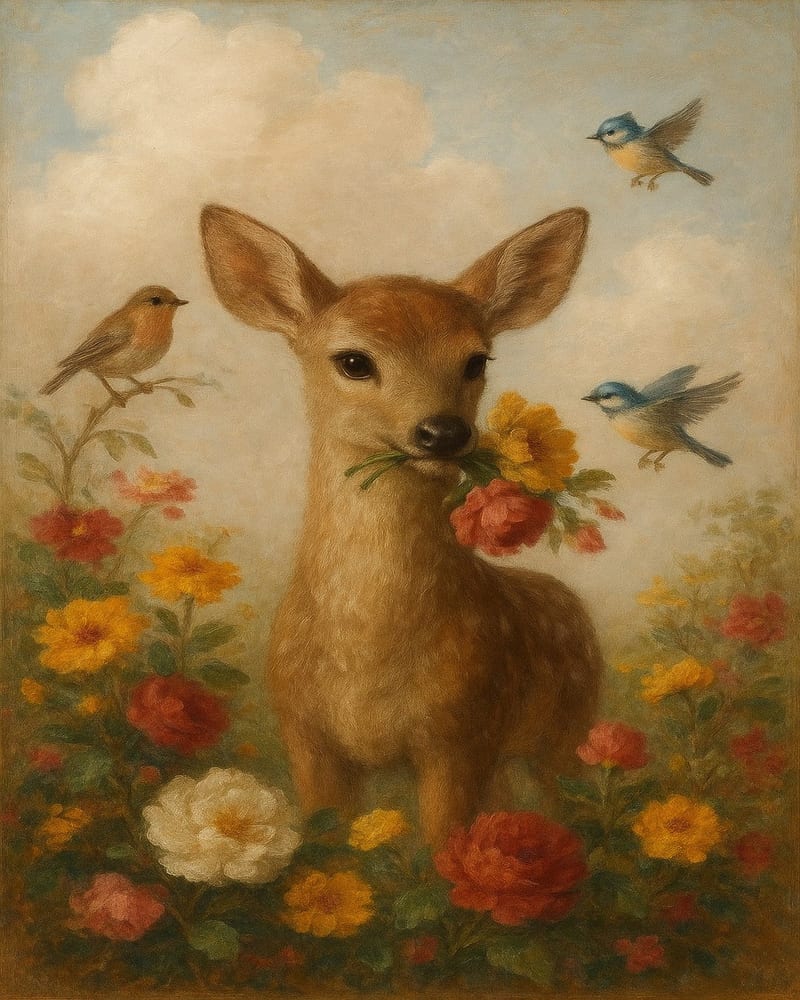
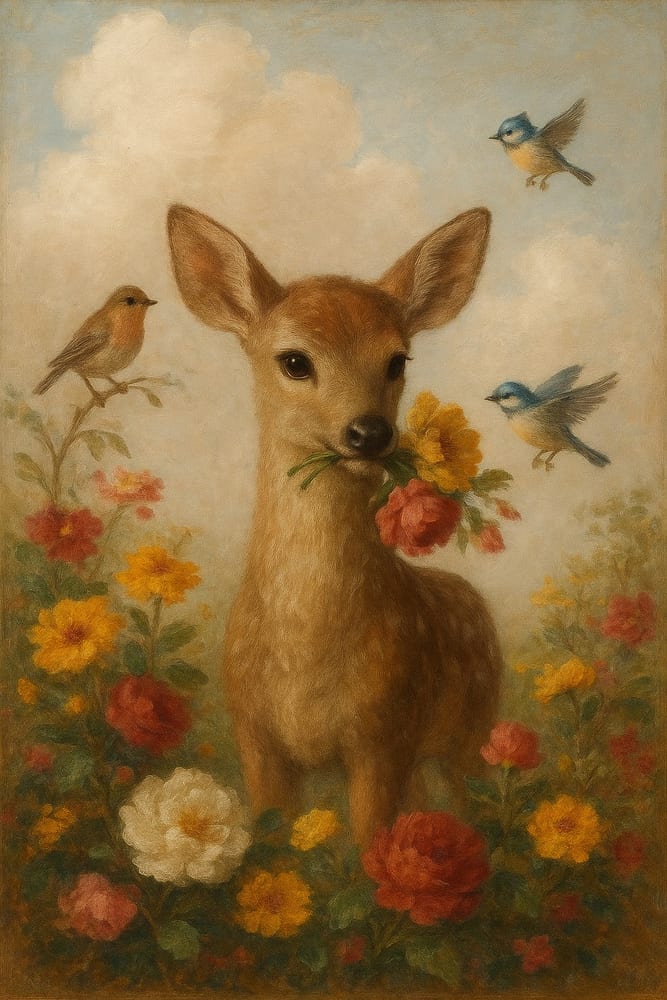
Drag to compare
Quick Answer
Can you resize an image to a different aspect ratio without cropping?
How Much Each Ratio Change Cuts (2026)
Cut by a centred crop, starting from 2:3
- to 3:411%top and bottom
- to 4:517%top and bottom
- to 5:77%top and bottom
- to 11:1415%top and bottom
- to ISO6%top and bottom
- to 1:133%top and bottom
Computed as loss = 1 − min(rs ÷ rt, rt ÷ rs), with rs = source width ÷ height and rt = target width ÷ height. Perfect Fit lets you choose what stays in the frame. See every ratio pair and try the frame yourself. How this is calculatedLast verified: October 14, 2026
Why Resizing to a Different Aspect Ratio Usually Crops Your Image
Every image has a shape — its aspect ratio. A 12×18 print is 2:3 (height is 1.5× the width). An 8×10 print is 4:5 (height is 1.25× the width). These are different shapes.
When you ask a tool to resize a 2:3 image into a 4:5 slot, the software has to reconcile two incompatible shapes. Most tools solve this by cropping: they fill the new canvas by zooming into the original and cutting off whatever doesn't fit. It's the easiest algorithm, so it's the default.
The result: your carefully composed artwork arrives at Etsy buyers with the top and bottom trimmed. Subject matter gets clipped. White borders disappear. Decorative elements at the edges vanish. The print no longer looks like what you designed — unless the crop is a deliberate choice, like SnapToSize's Perfect Fit, where you pick exactly what stays in frame.
What “Resize Without Cropping” Actually Means: Scale vs Crop
Two fundamentally different operations — same target size, different results:
- Crop: the tool zooms in and discards what does not fit the new shape (the real example at the top of the page).
- Fit the whole image: Size Packs keeps the whole artwork in the file and makes most of the shape change in the background, so the subject keeps its shape better.
For a deeper look at how specific ratios compare, see 2:3 vs 4:5 ratio — when to use each for Etsy prints.
The Ratio Mismatch Problem: Why 8×10 and 12×18 Can't Share One File
This is the core Etsy printable workflow problem that no AI outpainting tool addresses: Etsy buyers expect to download a file that prints correctly at the size they chose. If you upload a single 2:3 file for every size, it will print incorrectly at 4:5 sizes like 8×10 or 16×20 — either cropped by the buyer's printer or distorted by the printing service.
Size Packs delivers five ratio packs, and each one needs its own file (for the full crop comparison across seven ratios, see Etsy print ratios):
| Ratio | Common sizes | Needs its own file? |
|---|---|---|
| 2:3 | 4×6, 8×12, 12×18, 24×36 | Yes |
| 4:5 | 8×10, 16×20, 40×50 cm | Yes |
| 3:4 | 6×8, 9×12, 12×16, 18×24 | Yes |
| ISO (A-sizes) | A4, A3, A2, A1 | Yes |
| Extras | 5×7, 11×14, 18×24 (US) | Yes |
For the full size list by ratio, see Etsy print sizes — complete guide.
Three Ways to Change Aspect Ratio Without Cropping (and Their Trade-offs)
1. AI outpainting
Not for print
Extends the canvas by generating new background content with AI. Useful for social media. Unreliable for commercial print: generated pixels vary in quality, may introduce artifacts, and the 'new' areas aren't your original artwork.
2. Add padding / letterbox
Manual, lossy
Add white or transparent borders to fill the new canvas shape. Preserves the original — but introduces margins the buyer may not want, and looks unfinished if the artwork was designed to bleed to the edge.
3. Fit the whole image
Correct for Etsy
Fits the whole image to the new ratio with subject-aware sizing, so most of the shape change happens in the background rather than on your subject. Nothing is cut off and nothing is AI-generated.
The practical question for Etsy sellers isn't which technique is theoretically best — it's which one produces files buyers can print without issues. Fitting the whole image is deterministic: same input, same output, no AI variance.
How SnapToSize Handles This: Fit the Whole Image or Choose the Crop
SnapToSize was built specifically for this problem. Upload your original design once — SnapToSize generates all five ratio packs with subject-aware sizing. No AI fill, no borders, and the correct pixel dimensions for every Etsy print size. When you would rather choose what stays in the frame, Perfect Fit crops to the exact ratio around the focal point you pick.
- Whole artwork fitted to each ratio, no AI fill
- All five ratio packs in one upload
- 300 DPI output, organized ZIP structure
- No Photoshop — no manual ratio math
The alternative — using a generic tool that crops by default — means every ratio needs manual intervention. Five packs × however many designs you sell = hours of Photoshop work that doesn't need to happen. For how resize affects print quality more broadly, see the complete guide to resizing images for Etsy.
Fit the Whole Image — Upload OnceOne upload. Five ratio packs.
Each pack is scaled to its ratio's exact pixel dimensions with the whole artwork kept. Subject-aware sizing, no AI fill, no manual Photoshop work.
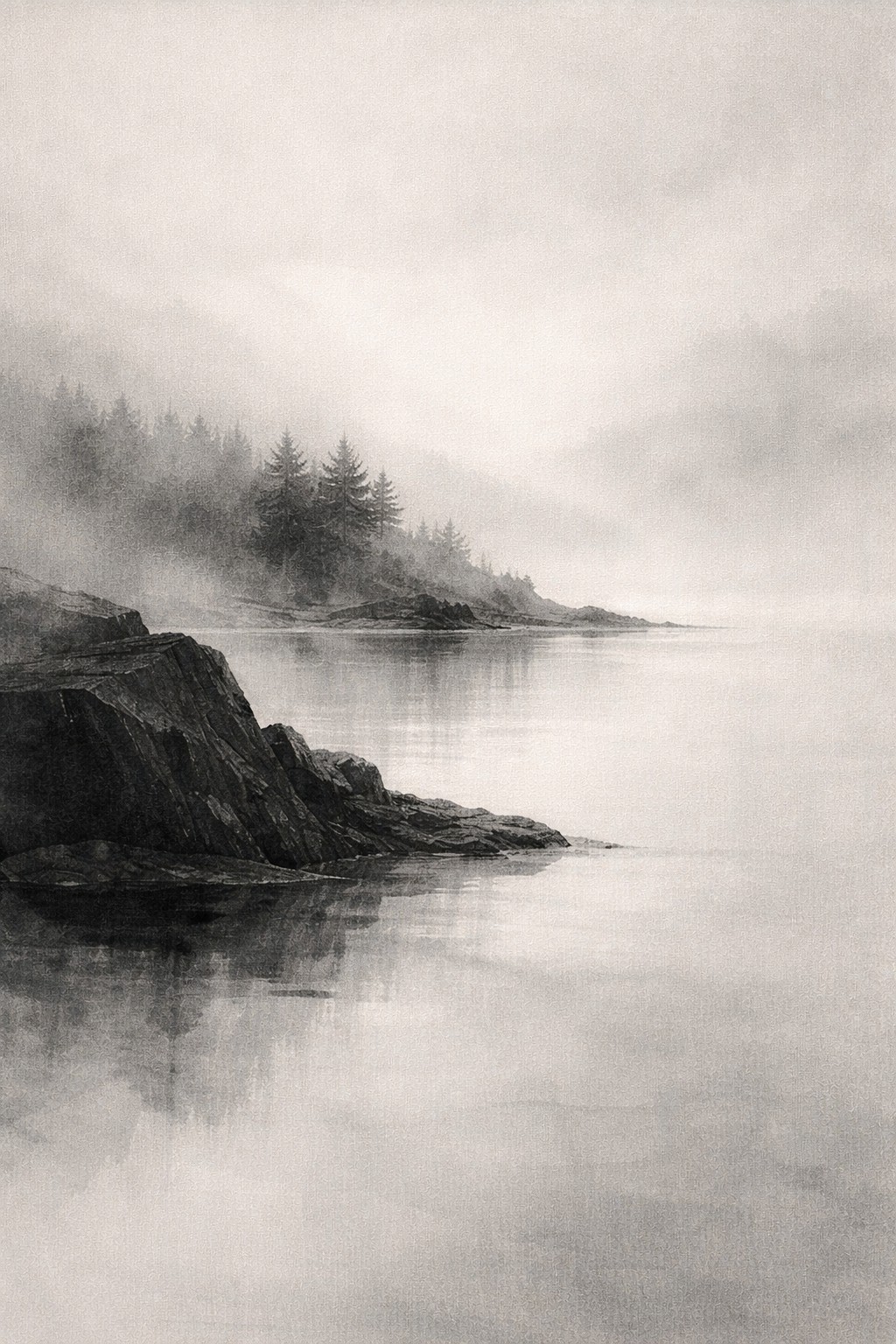
.jpg)
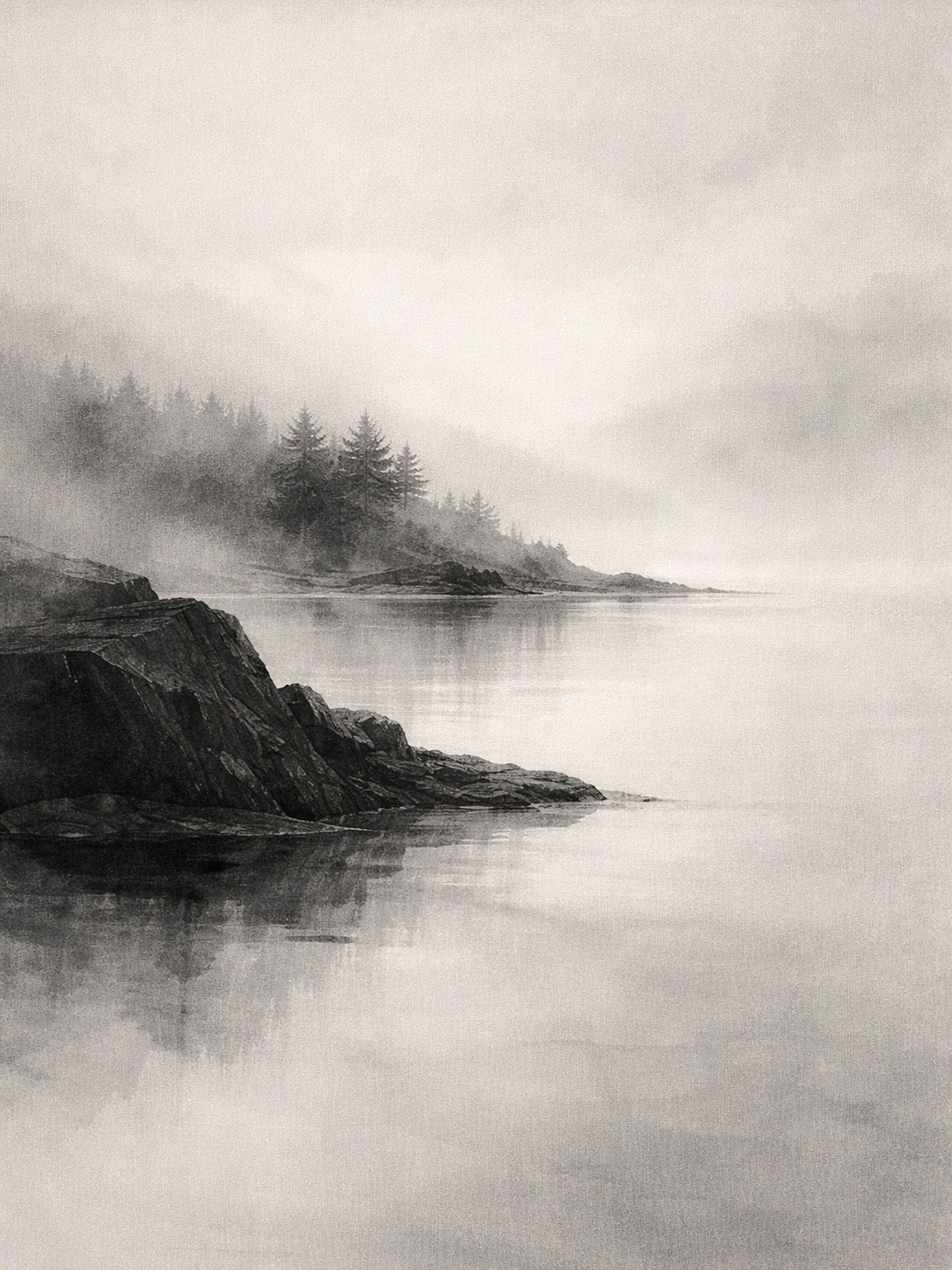
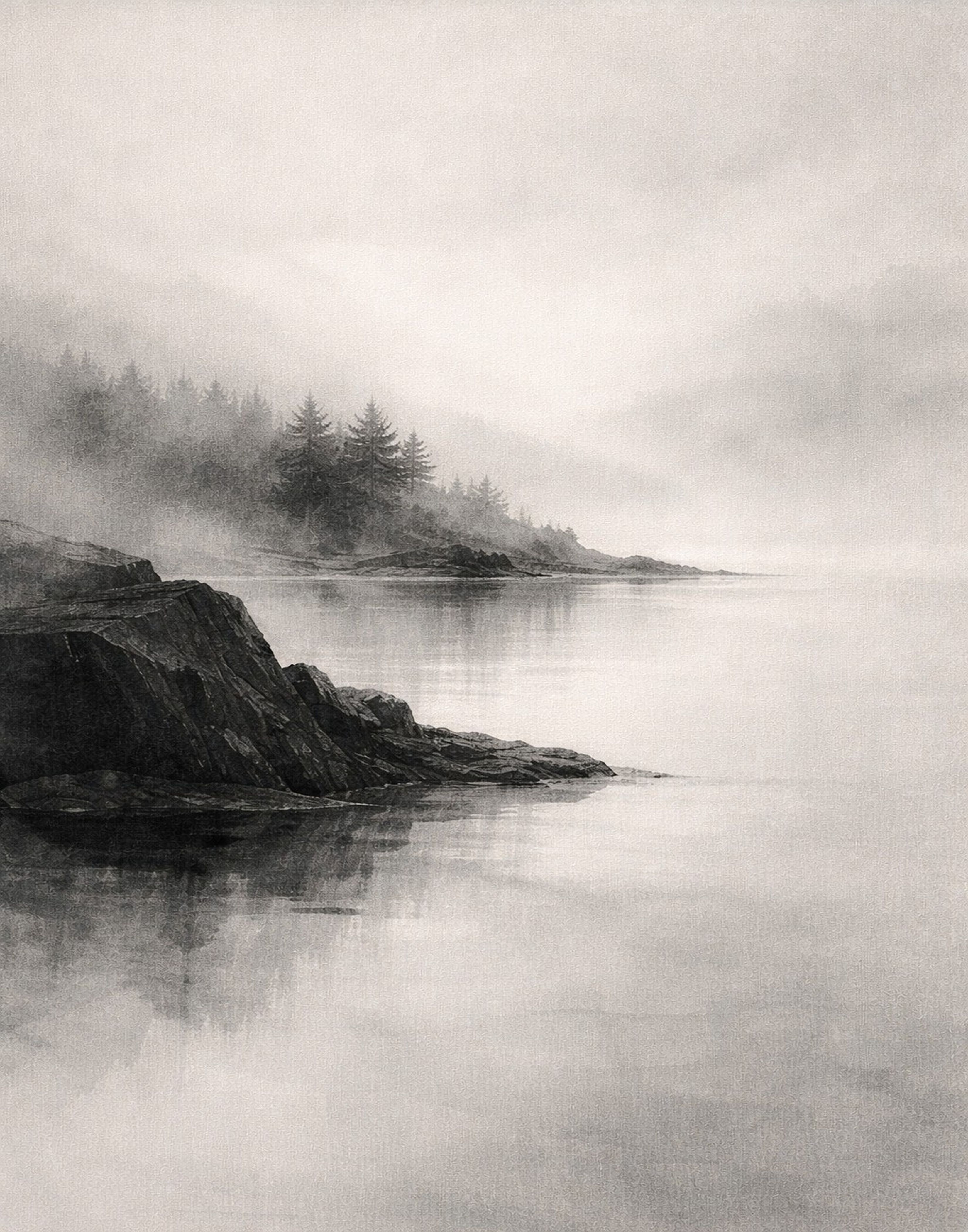
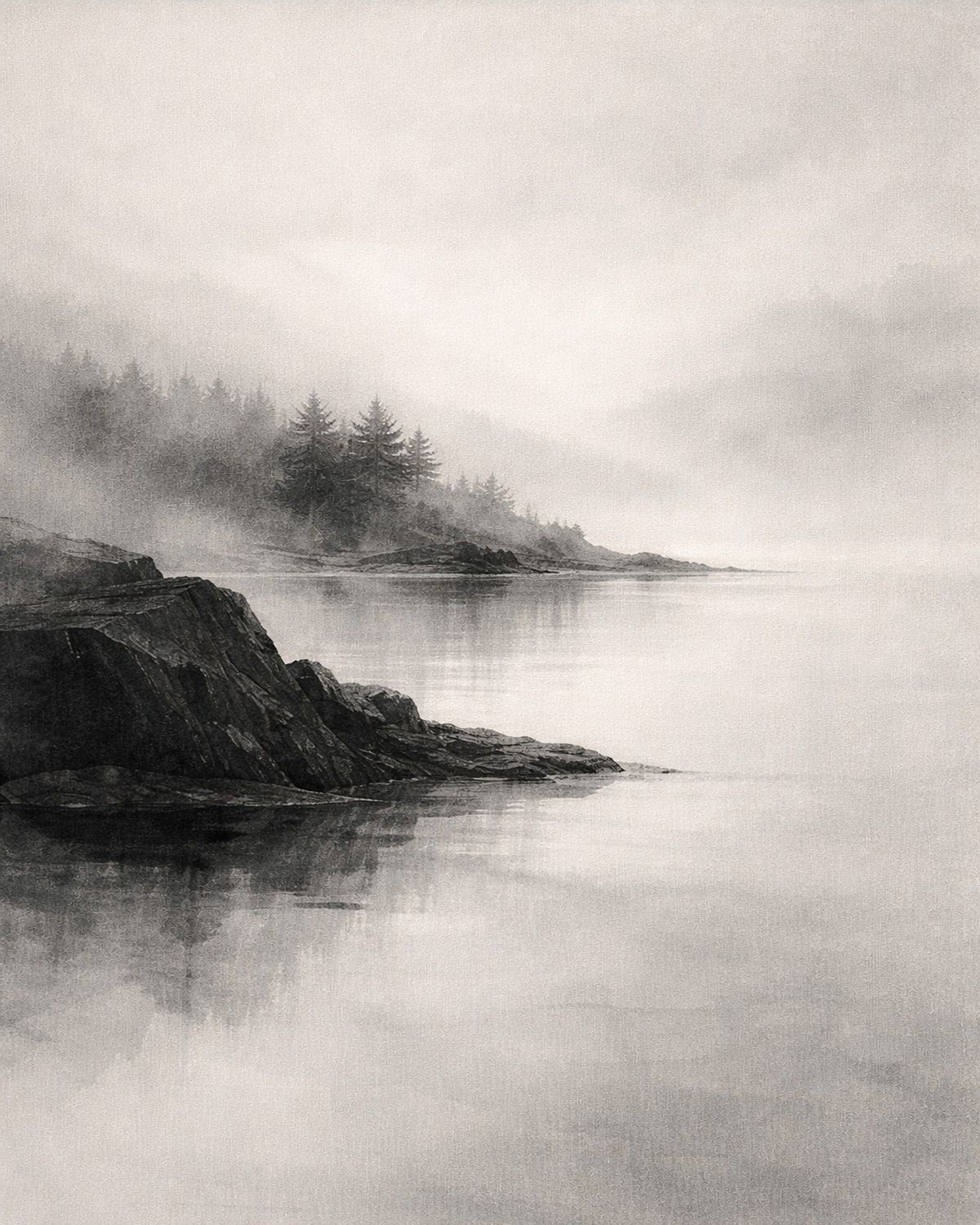 2×3A43×411×144×5
SnapToSize generates all five ratio-correct files from a single upload in seconds.
Try SnapToSize free →Which Ratios You Need for Etsy Prints (and Why Each Needs Its Own File)
Etsy buyers order prints in standard frame sizes. Those sizes cluster into five ratio packs. If a buyer orders an 8×10 (4:5 ratio) and you only have a 2:3 file, one of three things happens: the print service crops it, the buyer crops it manually, or the listing photo misleads them about what they'll receive. None of these outcomes are good for reviews.
The correct workflow: one file per ratio group, all generated from the same original at full resolution. SnapToSize does this automatically — see Etsy print ratios explained for a breakdown of which sizes fall in which group. If you're deciding between the two most common ratios, see 2:3 vs 4:5 ratio.
Selling the same design in multiple Etsy sizes requires a separate file per aspect ratio.
Size Packs fits the whole artwork to all five ratio packs from one upload; Perfect Fit crops around the focal point you choose.
Fit the Whole Image with Size PacksNo account needed · No credit card required
Frequently Asked Questions
Not without changing something: a different ratio is a different shape, so the picture is either cropped, padded or reshaped. Most generic tools crop for you. In SnapToSize you have two options: Size Packs fits the whole artwork to each ratio with subject-aware sizing, so the subject keeps its shape better, and Perfect Fit crops to the exact ratio around the focal point you choose, so the proportions stay exact and you decide what stays in frame.
An 8×10 is a 4:5 ratio. A 12×18 is a 2:3 ratio. They don't share the same shape. SnapToSize fits the whole image to the new ratio with subject-aware sizing: it finds your main subject and makes most of the shape change in the background and quieter areas, so the subject changes less. When the change is too large for that method, the file is scaled evenly instead. If a tool auto-crops instead, it cuts off the top and bottom (or sides) of your artwork. That's why sellers need separate ratio-correct files for each group of sizes.
Size Packs fits your whole artwork to each ratio with subject-aware sizing, so the edges stay in the file and the subject keeps its shape better. Perfect Fit does crop, on purpose: you drag the frame to choose what stays, see a live preview, and the proportions stay exact. You pick the route that fits the piece.
Scaling changes the size of the entire image — width and height both adjust. Cropping removes part of the image to fit a new shape, discarding content at the edges. When the ratio changes, a crop cuts part of the picture (the exact share for every pair is in the crop-loss matrix on the Etsy print ratios page), while scaling the whole image into a new shape changes its proportions. Perfect Fit keeps the proportions exact by cropping around a focal point you choose.
You need one file per aspect ratio group, not one file per size. SnapToSize delivers five ratio packs: 2:3, 4:5, 3:4, ISO (A-sizes), and Extras. Upload your design once and it generates all five packs — correctly scaled, at 300 DPI, ready to upload to your Etsy listing. (The crop-loss matrix on the Etsy print ratios page is a separate tool: it compares seven ratios to show what a crop cuts.)
Because the frame size uses a different aspect ratio than your original file. A 2:3 design (like a 12×18) will be cropped when displayed at 4:5 (like an 8×10) if the tool auto-fits. The solution is to generate a separate 4:5 file from your original — scaled to fit the new ratio — rather than letting buyers or printers crop it at point of sale.
A centred crop from 2:3 to 4:5 cuts 17% of the image from the top and bottom (1 − (2/3) ÷ (4/5)). Size Packs instead fits the whole artwork to 4:5 with subject-aware sizing, and Perfect Fit lets you choose which part goes. The crop-loss visualiser on the Etsy print ratios page shows any pair.
Upload Once. Keep the Whole Image.
Size Packs fits the whole artwork to all five ratio packs. Prefer to choose the crop? Perfect Fit shows the frame live and exports every size in the ratio. No manual ratio math.
Try Size Packs Free