11×14 vs 16×20Mid-Size vs Statement Piece
Both are standard frame sizes, but 16×20 is just over double the area of an 11×14, and they use different aspect ratios — so one file won't scale to both without white bars or a crop.
Quick Answer
What is the difference between 11×14 and 16×20 print size?
Pixel Dimensions for 11×14 and 16×20 at 300 DPI
Exact pixel dimensions print shops and home printers need for sharp output. Always export at 300 DPI so the print stays crisp once it is framed.
| Size | Pixels (300 DPI) | Ratio | Area | SnapToSize |
|---|---|---|---|---|
| 11×14 (portrait) | 3300×4200 px | 11:14 | 154 sq in | Extras Pack |
| 11×14 (landscape) | 4200×3300 px | 14:11 | 154 sq in | Extras Pack |
| 16×20 (portrait) | 4800×6000 px | 4:5 | 320 sq in | 4:5 Pack |
| 16×20 (landscape) | 6000×4800 px | 5:4 | 320 sq in | 4:5 Pack |
How Much Bigger Is 16×20 Than 11×14?
A 16×20 print covers 320 square inches, while an 11×14 covers 154 square inches — that is 108% more surface area, just over double. Unlike sizes that are a hair apart, this is a real jump you can see across a room: 16×20 anchors a wall, 11×14 fills in around it.
Because the gap is this large, buyers rarely treat them as substitutes. They pick 16×20 when they want a single focal piece, and 11×14 when they are building out a gallery wall or matching an existing frame. Offering both lets one listing serve both intents.
Why One File Won't Fill Both Sizes
11×14 and 16×20 sit close together, but their aspect ratios are not identical — and that small gap is enough to force separate exports:
Scale an 11×14 design up to fill a 16×20 and you get thin white bars on two edges; stretch it to fill and the artwork distorts. The fix is to keep each size at its own ratio. When you specifically need 16×20 from artwork built at the 11×14 ratio, a Perfect Fit crop reframes it to 4:5 without stretching — you choose what stays in frame, and nothing gets squashed.
The clean approach: export 3300×4200 px for 11×14 and 4800×6000 px for 16×20. SnapToSize generates both from a single upload — no Photoshop, no manual resizing, no guessing which edge to crop.
One upload becomes both sizes
Drop in your art once. Get 11×14 and 16×20 back, your whole image kept, each file named and 300 DPI — plus every other Etsy ratio in the same export.
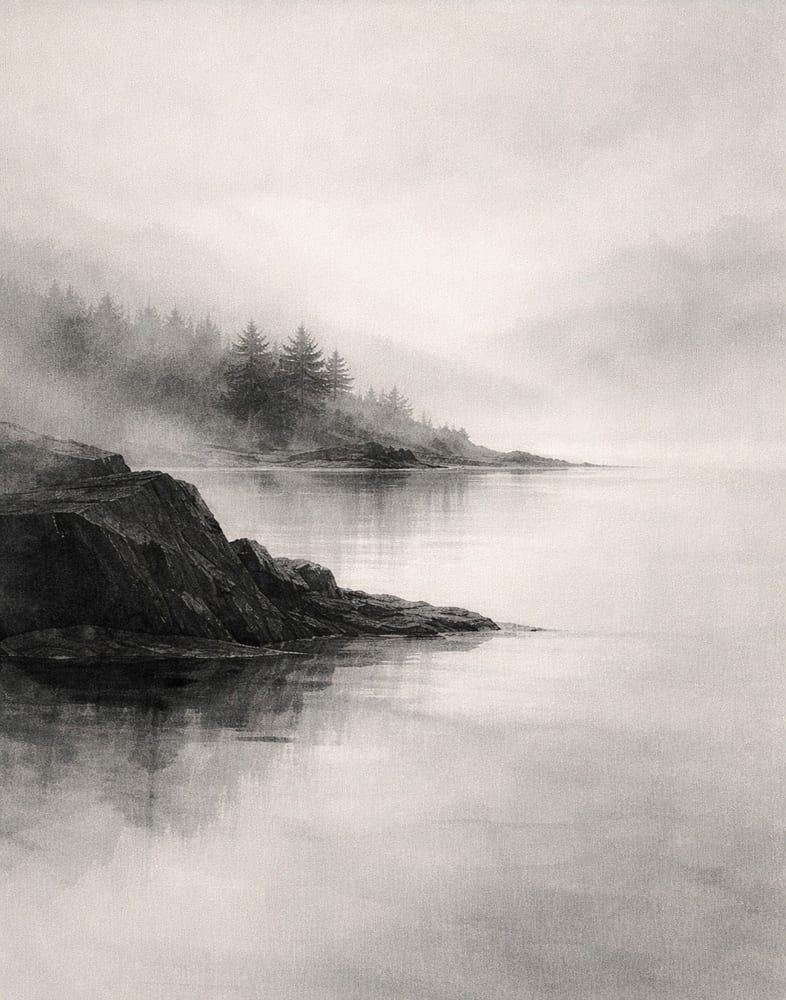
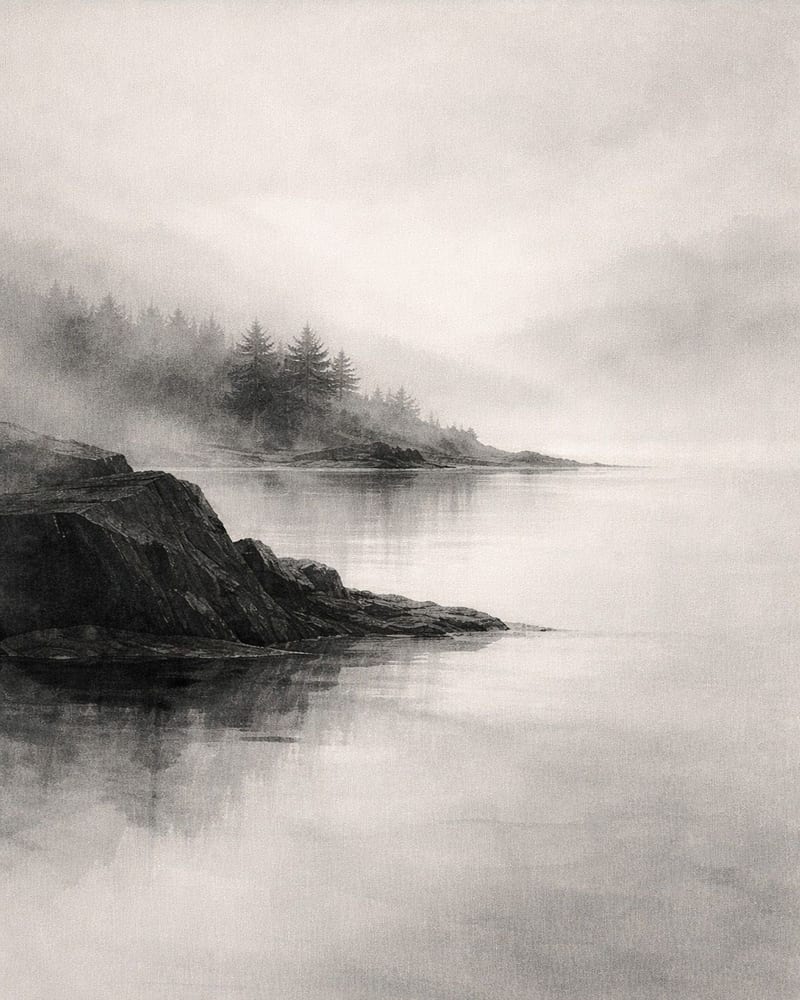
Every standard Etsy ratio — 2:3, 3:4, 4:5, ISO A, plus extras — up to 70 print-ready files from one upload, each ZIP under Etsy's 20 MB limit.
Want one exact ratio instead? Perfect Fit reframes with a focal crop you control — your proportions stay exact, and you decide what stays in frame. See how it works →
Offering 11×14 and 16×20 means two canvases, two exports, and double-checking you didn't crop the edges on either one.
Upload once. SnapToSize generates both sizes at the correct pixel dimensions and 300 DPI, named and under Etsy's 20 MB limit.
Export Both Sizes FreeNo account needed · No credit card required
Can You Put an 11×14 Print in a 16×20 Frame?
Yes, and it is one of the most popular framing setups: a 16×20 frame with an 11×14 mat opening. The mat fills the gap between the print and the frame, adds a clean white border, and gives an 11×14 print a gallery-grade presentation. Frame shops and IKEA, Michaels, and Amazon all stock this exact mat-and-frame combination.
Without a mat, an 11×14 print sits loose inside a 16×20 frame and shifts around, so always pair the print with the matching mat. If you sell 11×14 art, mentioning the 16×20-frame-plus-11×14-mat option in your listing answers a question buyers ask constantly — and reduces refund requests from mismatched frames.
Going the other way, a 16×20 print does not fit an 11×14 frame at all — it is far too large and would need to be cropped down. For framing details across common sizes, see the print size for frame guide.
When to Offer Each Size on Etsy
16×20 is your statement size. It carries premium pricing, anchors a gallery wall, and fits the large standard frames buyers reach for when they want one piece to fill a space. For art prints meant to make an impression, 16×20 is the size that converts browsers into buyers.
11×14 is the accessible mid-size. It is the print buyers add to round out a wall, gift at a friendly price point, or slot into an existing 11×14 frame. It is also the classic gallery-wall companion to a larger anchor piece.
The strongest listings include both. A buyer might want a 16×20 as the centerpiece and two 11×14 prints flanking it. Offering the pair from one upload captures the whole gallery-wall purchase instead of a single piece.
Frequently Asked Questions
Yes, substantially. A 16×20 print covers 320 square inches versus 154 square inches for an 11×14 — that is 108% more surface area, just over double. On the wall, 16×20 reads as a statement piece while 11×14 is a comfortable mid-size. Both are standard frame sizes stocked at IKEA, Target, Michaels, and Amazon.
11×14 is an 11:14 ratio (0.786). 16×20 is a 4:5 ratio (0.800). They sit close together, but they are not the same — a file built for one will not fill the other exactly. Scaling 11×14 artwork to 16×20 leaves thin white bars, and 16×20 art forced into 11×14 needs a crop.
At 300 DPI, 11×14 needs 3300×4200 pixels (portrait) or 4200×3300 (landscape). 16×20 needs 4800×6000 pixels (portrait) or 6000×4800 (landscape). 300 DPI is the standard for sharp prints at these sizes — anything lower looks soft once framed.
Yes — with a mat. A 16×20 frame with an 11×14 mat opening is one of the most common matted combinations sold, and it gives the print a gallery look with a clean border. Without a mat, an 11×14 print sits loose inside a 16×20 frame, so always pair it with the matching mat.
Not cleanly. Because the ratios differ (11:14 vs 4:5), a straight scale leaves thin white bars, and stretching to fill distorts the artwork. The clean options are to export each at its own ratio, or use a controlled, distortion-free crop to 4:5 when you specifically want the 16×20. Either way, design once and let the tool handle the geometry.
16×20 commands higher pricing as a statement piece and anchors gallery walls, while 11×14 is the accessible mid-size buyers add to fill a wall. They serve different moments, so the strongest listings offer both. SnapToSize generates 16×20 in the 4:5 pack and 11×14 in the Extras pack from a single upload.
Selling printables in these sizes?
Knowing the dimensions is the easy part — delivering every frame-ready file is the work. SnapToSize turns one artwork into every standard print size at 300 DPI in a single export.
Export 11×14 and 16×20 in Seconds
Upload your design once. SnapToSize generates both sizes at the correct pixel dimensions and 300 DPI, named and under Etsy's 20 MB limit.
Export Both Sizes Free