SnapToSize vs Canva for Etsy PrintsDesign in Canva. Produce all 30+ sizes — in seconds.
Canva is the best tool for creating your wall art. But turning one finished design into a complete multi-size listing is a different job. Here's how the two tools compare for Etsy print production.
Free → upload once, get every standard print size.
Quick Answer
Is SnapToSize better than Canva for resizing Etsy prints?
The Real Bottleneck Isn't Design — It's Production
Canva is the best design tool for Etsy printables. Its template library, drag-and-drop editor, brand kits, and team collaboration are genuinely best-in-class — and nothing in SnapToSize replaces that. The gap is downstream of design.
Creating wall art in Canva is fast. But once your design is finished, the production step begins. One artwork needs to ship in multiple ratios — 2:3, 3:4, 4:5, ISO, and extras — with multiple sizes in each ratio. In Canva, that means manually creating a new canvas for each size, repositioning elements, and exporting one file at a time.
For a single artwork across all ratios, that's 1–3 hours. For a shop with 50+ designs, it adds up to hundreds of hours per year in repetitive manual work. Learn more about resizing workflows for Etsy, or jump straight to our Canva print size for Etsy guide for exact canvas dimensions and the DPI export trap.
This bottleneck is why many Etsy sellers limit their listings to just a few sizes — and leave sales on the table. If your listings aren't converting, missing sizes could be a factor.
Side-by-Side: Canva vs SnapToSize for Etsy Prints
Both tools serve Etsy sellers — but at different stages of the workflow. Here's how they compare on the dimensions that matter for digital print production.
| Feature | Canva | SnapToSize |
|---|---|---|
| Primary purpose | Design creation | Print production |
| Output sizes per artwork | One at a time (manual) | 30+ sizes from one upload |
| Batch resize | No one-click; Bulk Resize caps at 5 sizes | Yes — all 5 ratio packs at once |
| Ratio awareness | Manual (set pixel dimensions yourself) | Built-in (2:3, 3:4, 4:5, ISO, Extras) |
| ZIP packaging | No | Organized by ratio |
| 300 DPI guarantee | PDF Print: 300 DPI all plans. PNG/JPG: canvas-pixel dependent. | Every file, every size |
| Professional file naming | No | artwork_8x10_300dpi.jpg |
| Etsy 20 MB compliance | Manual (check each file) | Auto-optimized under 20 MB |
| Time per artwork | 1–3 hours (manual) | Under 30 seconds |
Primary purpose
Canva
Design creation
SnapToSize
Print production
Output sizes
Canva
One at a time
SnapToSize
30+ from one upload
Batch all ratio packs
Canva
No one-click; Bulk Resize caps at 5
SnapToSize
Yes — all 5 ratios
Ratio awareness
Canva
Manual
SnapToSize
Built-in (5 ratios)
ZIP packaging
Canva
No
SnapToSize
Organized by ratio
300 DPI output
Canva
PDF Print (all plans); PNG depends on canvas px
SnapToSize
Every file
File naming
Canva
No
SnapToSize
Professional naming
20 MB compliance
Canva
Manual check
SnapToSize
Auto-optimized
Time per artwork
Canva
1–3 hours
SnapToSize
Under a minute
Reusable size sets
Canva
Rebuild each time
SnapToSize
Save once, reuse in one click (My Packs)
For more on why 300 DPI matters for Etsy printables, see our resolution guide.
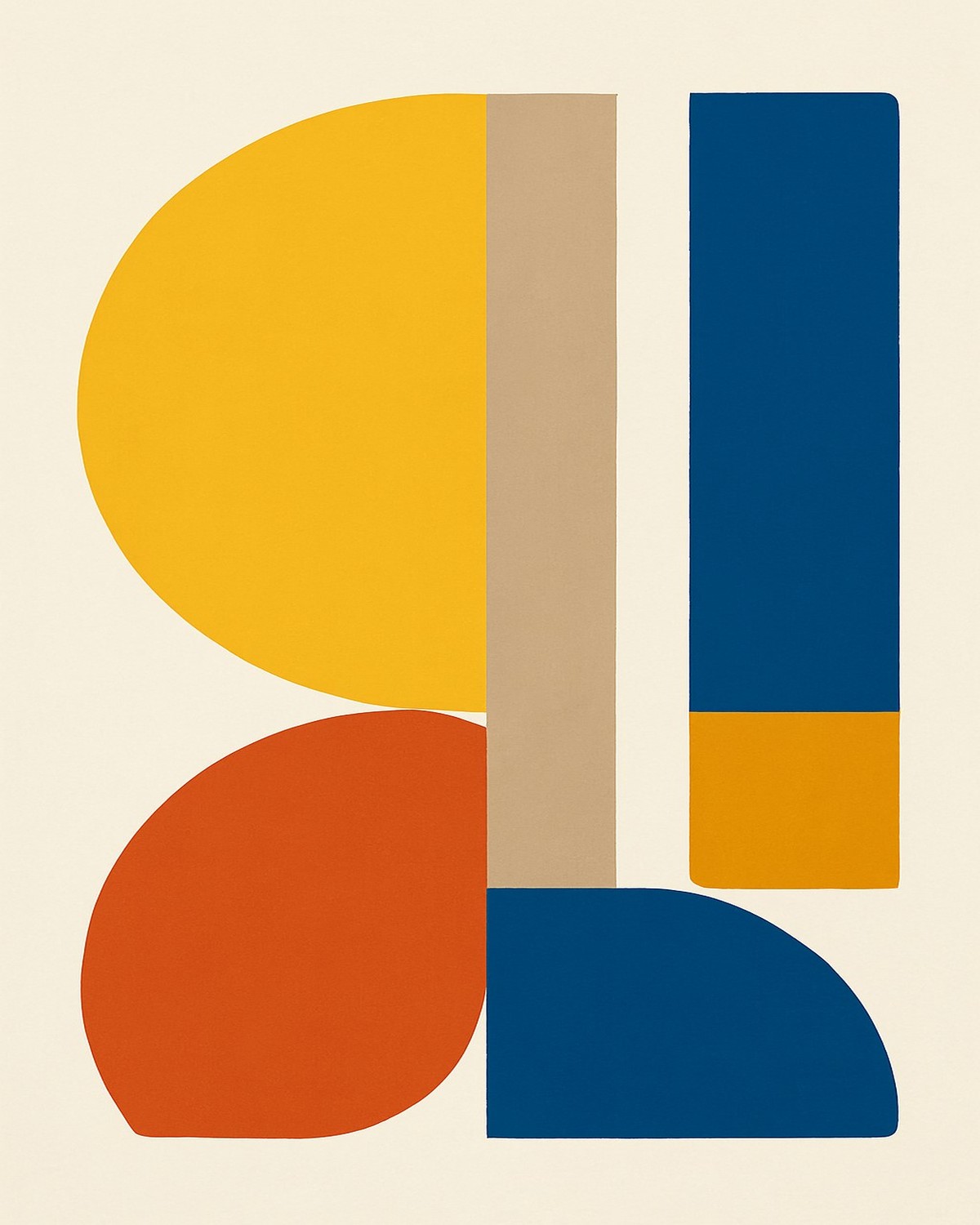
What SnapToSize actually ships from a single Canva PDF.
Upload one design in any ratio. Get 2:3, 3:4, 4:5, 11×14, and ISO packs — every size at 300 DPI, under 20 MB.
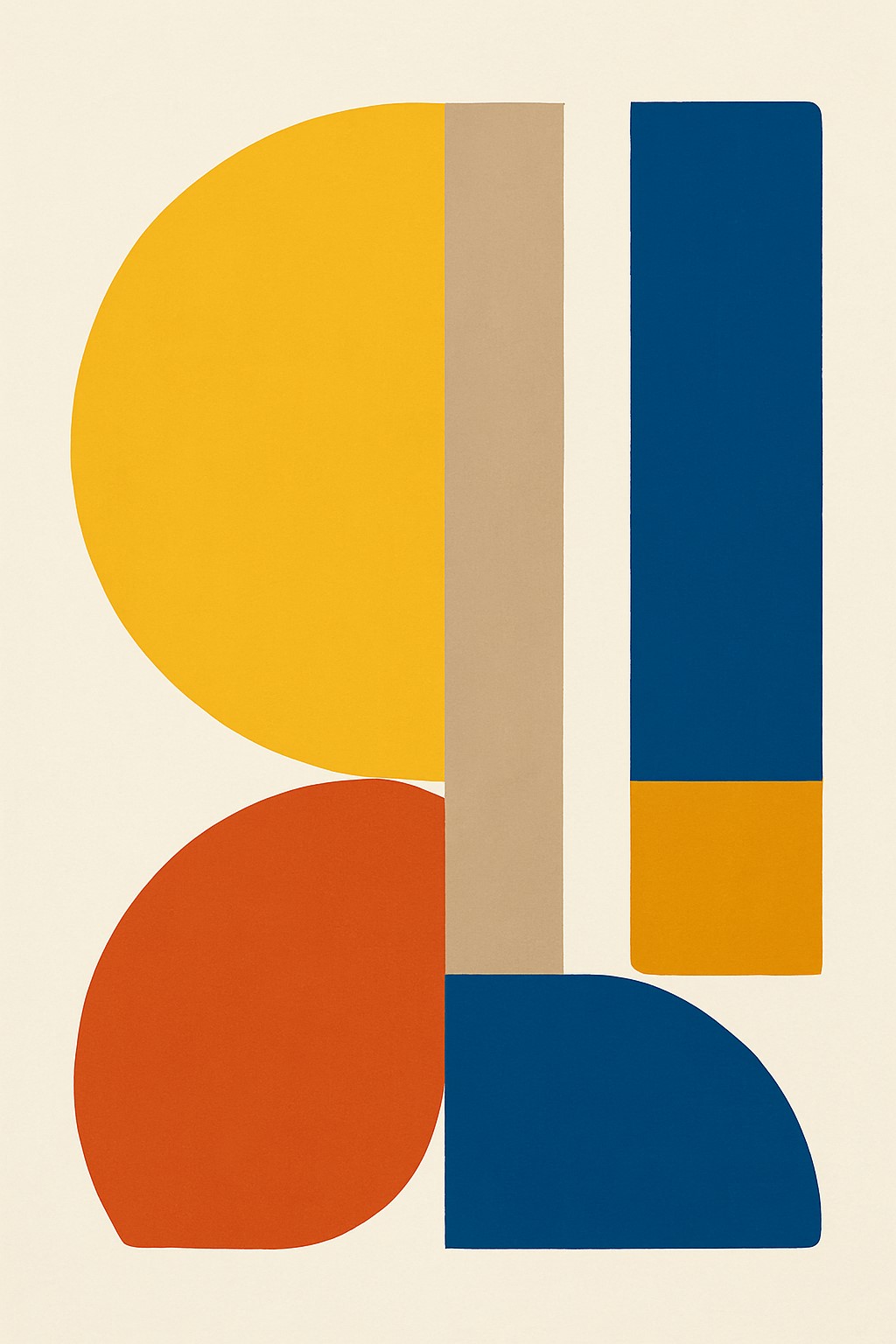
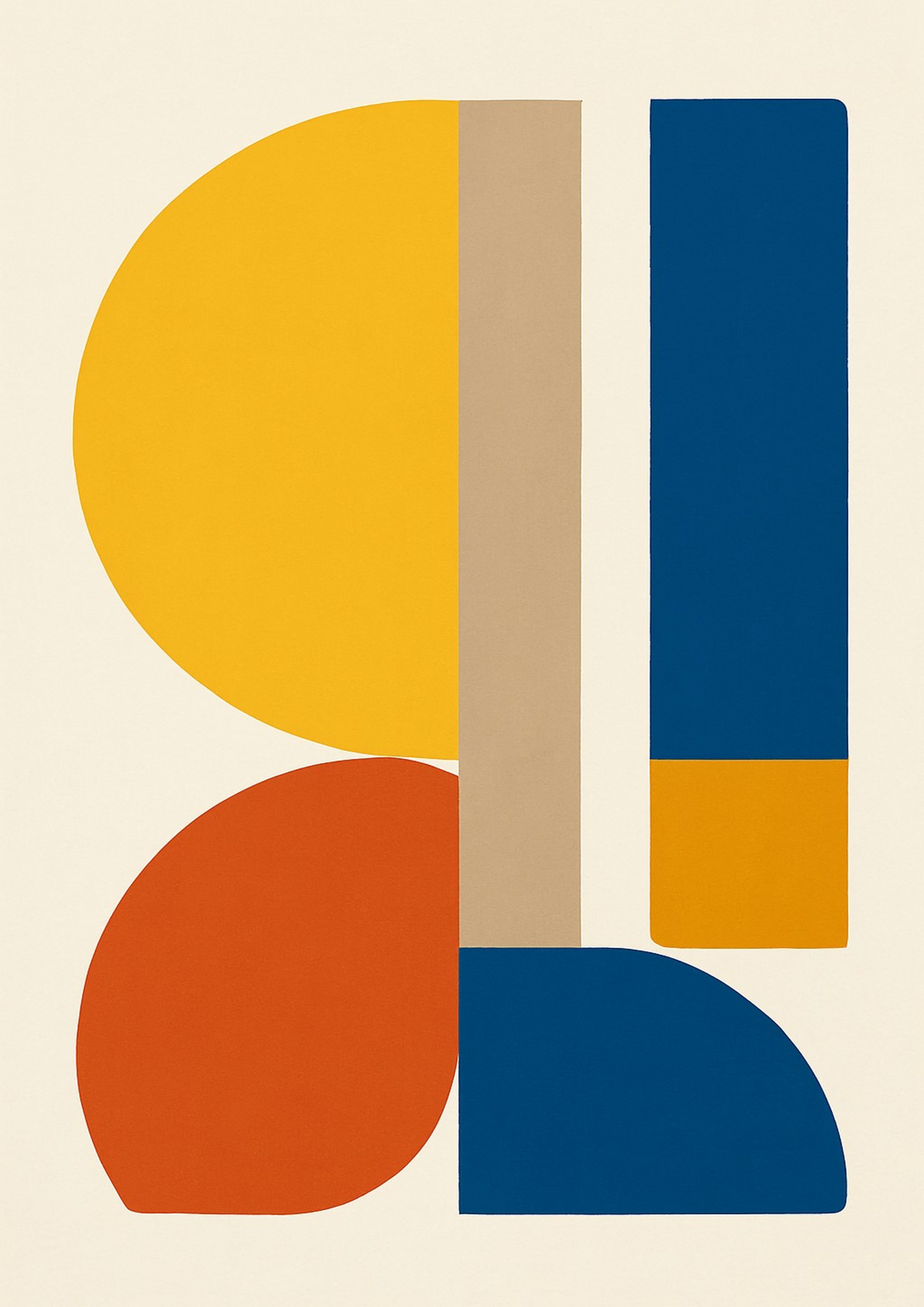
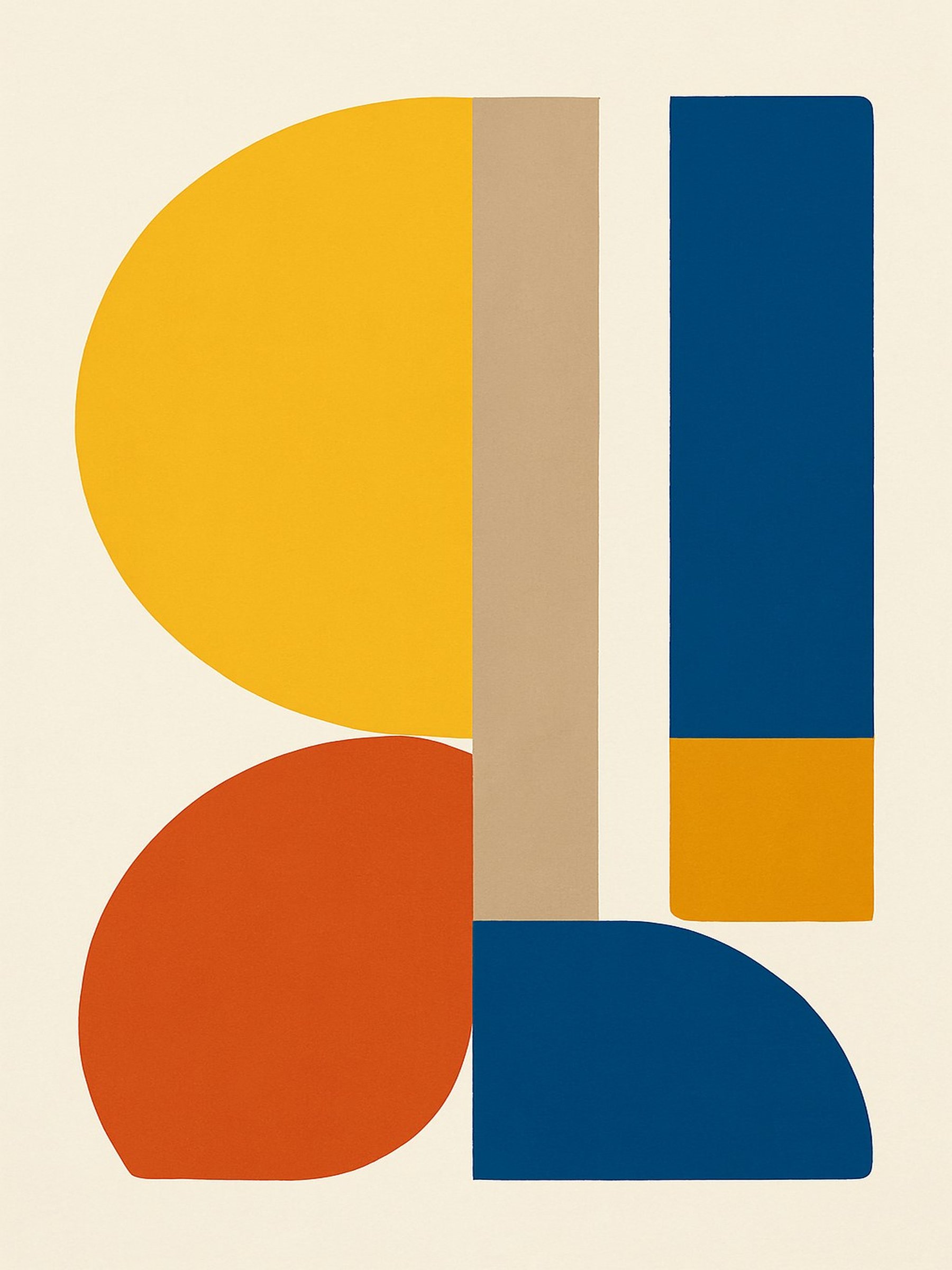
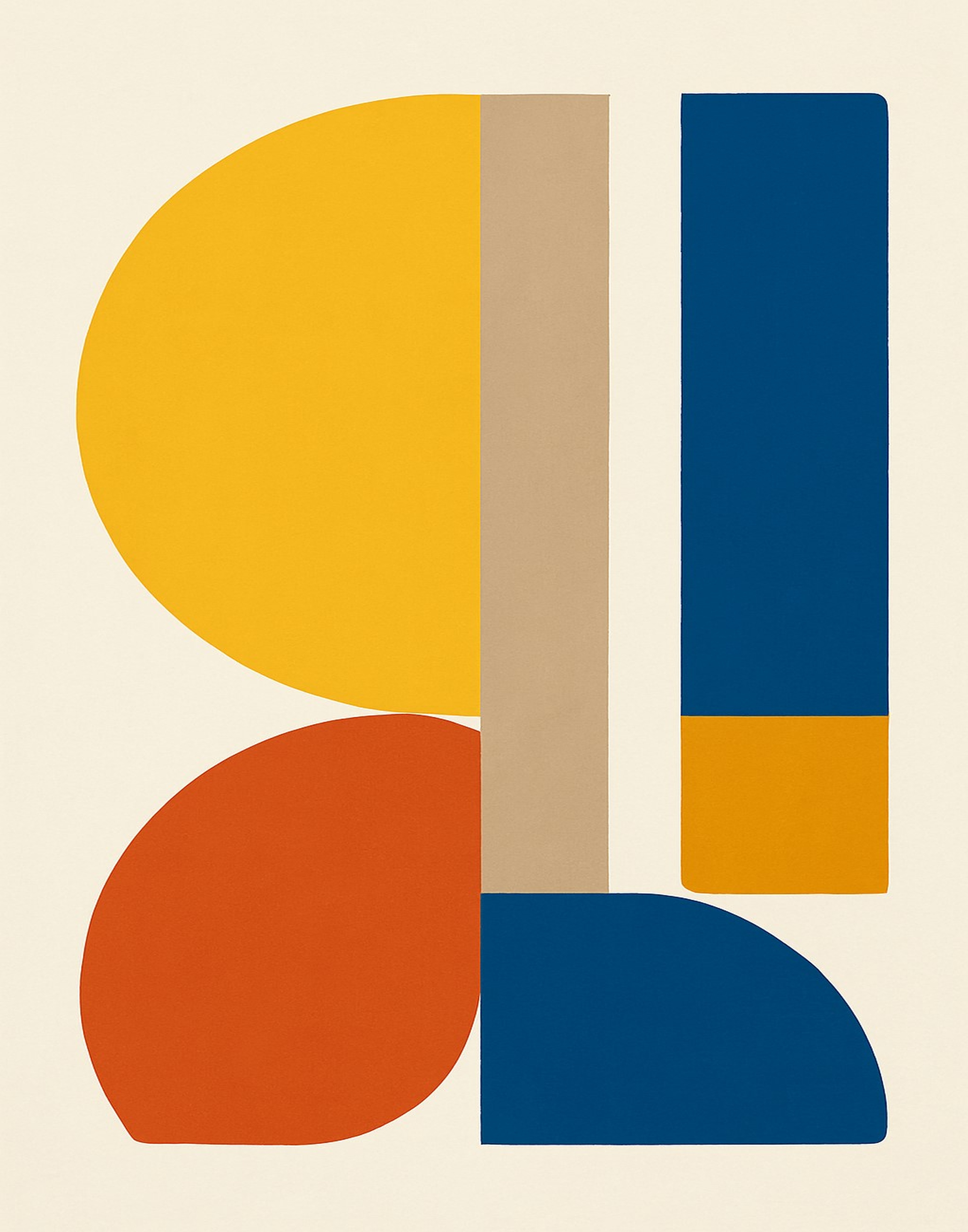
 2×3A43×411×144×5
SnapToSize generates all five ratio-correct files from a single upload in seconds.
Try SnapToSize free →Upload One Image, Get Up to 70 Print-Ready Files
All 5 ratio packs. Portrait and landscape. Every file at 300 DPI, named and packaged for Etsy.
Try SnapToSize FreeWhat Etsy Buyers Actually Expect in a Printable Listing
Buyers searching for printable wall art expect the file to work with their frame. Standard frames come in different aspect ratios — and if you only offer one ratio, you lose every buyer whose frame doesn't match.
Here are the size families Etsy buyers look for. For the full list, see our complete Etsy print sizes guide.
2:3 Ratio — Most Common for Wall Art
4×6, 6×9, 8×12, 10×15, 12×18, 16×24, 20×30. This is the tallest standard ratio and covers the widest range of frame sizes.
3:4 Ratio — Classic Photo Frame
6×8, 9×12, 12×16, 15×20, 18×24. Standard photo frame proportions. 18×24 is a popular poster size.
4:5 Ratio — Home of the 8×10
8×10, 12×15, 16×20, 20×25, 24×30. The 8×10 is the single best-selling print size on Etsy.
ISO A-Series — International Buyers
A5, A4, A3, A2, A1. Standard paper sizes in the UK, Europe, and Australia. Missing ISO sizes means losing international sales.
Extras — Common Sizes That Don't Fit a Ratio
5×7, 8.5×11 (US Letter), 11×14, 11×17, 13×19, 20×24. These are in-between sizes buyers search for specifically.
Read our guide on how many sizes to include in an Etsy printable and what files buyers expect in a digital download for the full strategy. Understanding why different ratios matter is key to building professional listings.
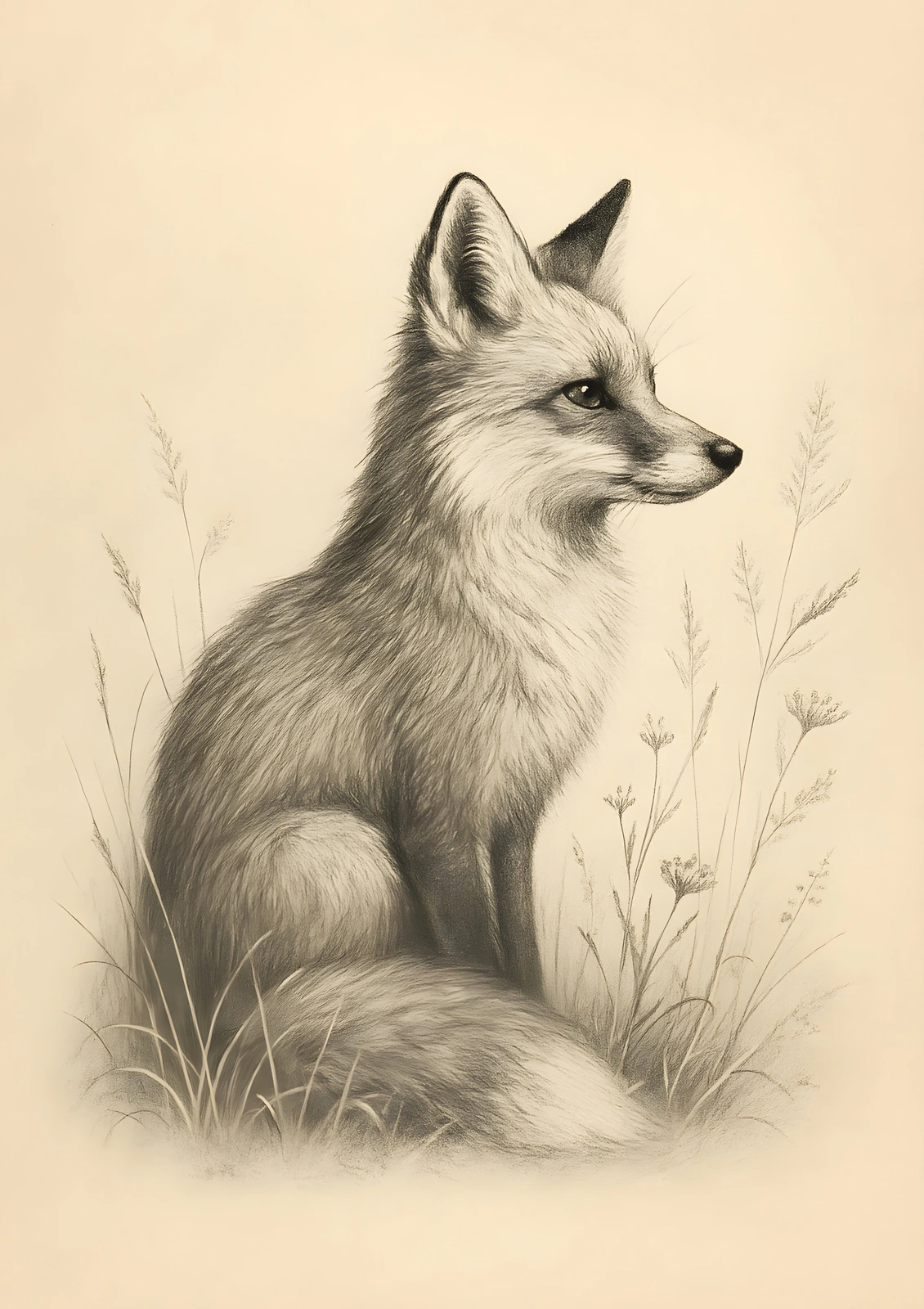
A portrait original staged in ten ready-to-list scenes.
Choose from 500+ mockup scenes across portrait, landscape, and square artwork.
Fox Drawing
Original artwork · ISO A-series · 10 listing photos
See what a complete 10-photo listing pack looks like — ready in seconds, with no manual staging.
How the Production Step Works
Once your artwork is ready — whether you designed it in Canva, Illustrator, Procreate, or any other tool — the production step turns it into a complete, sellable listing. Here's how to go from one master file to every print size your buyers need. For detailed guidance on file organization, see our packaging guide.
Upload Your Master File
Export the highest resolution version of your design. Higher source resolution produces sharper results across all output sizes.
Get 5 Organized ZIP Packs
SnapToSize generates every standard print size organized into ratio-based packs. Up to 70 print-ready files from a single upload — portrait and landscape orientations included. And when a size calls for a different framing, Perfect Fit reframes your artwork to that exact ratio with a distortion-free crop.
Upload to Etsy
Every file is 300 DPI, professionally named (e.g., artwork_8x10_300dpi.jpg), and each ZIP stays under Etsy's 20 MB limit. Ready to list immediately.
When to Use Canva vs When to Use SnapToSize
These tools aren't competitors — they solve different problems in the same workflow. Canva owns design; SnapToSize owns the production step Canva's design-first UX doesn't serve well for Etsy sellers specifically. Many sellers use both.
Use Canva for…
- Designing your wall art from scratch
- Adding text, fonts, and graphic elements
- Creating listing mockup images
- Brand assets and social content
Use SnapToSize for…
- Turning one design into 30+ print sizes
- Generating organized, ratio-based ZIPs
- Guaranteeing 300 DPI on every output file
- Staying under Etsy's 20 MB upload limit
The typical workflow: design in Canva, produce in SnapToSize. Export your finished artwork at the highest resolution, then upload it once to generate every size. For pricing strategies on multi-size bundles, see our guide on how to price Etsy printables. You can also calculate exact pixel dimensions for any print size. For niche-specific sizing, see our minimalist wall art sizes guide. For a broader overview, read our complete guide to selling digital downloads on Etsy. Already selling but want to skip Photoshop entirely? The Canva + SnapToSize workflow covers that. You can also see our direct SnapToSize vs Photoshop comparison.
Skip the Manual Resize. Start Producing.
Upload your finished design once and get every standard print size your Etsy buyers need. 5 ratio packs — portrait, landscape, and square all covered — every file 300 DPI, under 20 MB per ZIP.
Try SnapToSize FreeFAQ — SnapToSize vs Canva for Etsy
Yes, Canva Free lets you create custom-sized canvases and export each size as PDF Print (300 DPI on all plans). Canva has no one-click batch export for all Etsy ratio packs. Canva Sheets Bulk Resize exists but caps at 5 output sizes per run and requires manual setup per size — still not a ratio-pack workflow.
Top sellers include sizes across multiple ratios (2:3, 3:4, 4:5, ISO, and common extras). More sizes means more buyers can use your art with their frames.
Canva’s PDF Print export is 300 DPI on all plans (Free and Pro). PNG/JPG exports don’t embed a print DPI — they’re pixel rasters, so print resolution depends on canvas pixel count. Canva Pro offers a higher-resolution PNG/JPG export slider; Canva Free caps PNG/JPG at the canvas pixel dimensions.
SnapToSize generates all standard print sizes from a single upload in under 30 seconds — up to 70 files across 5 ratio packs. That compares to 1-3 hours of manual resizing per artwork in Canva or Photoshop.
No. You can design in Canva or Procreate, then use SnapToSize to produce all print sizes at once. The key difference is manual (one size at a time in Canva) vs automated (all sizes from one upload in SnapToSize). See our full SnapToSize vs Photoshop comparison for details.
Standard frames come in different ratios. An 8×10 is 4:5, a 4×6 is 2:3, and an A4 is ISO. If you only offer one ratio, buyers with different frames cannot use your art.
Yes. Many sellers design in Canva, export their highest-resolution master file, then use SnapToSize to produce all print sizes at once. The two tools are complementary.
JPG is the most common for printable wall art — it keeps files under Etsy’s 20 MB limit while maintaining print quality at 300 DPI.
Love Canva for design but tired of manual resizing?
Design in Canva, resize in SnapToSize. Upload your artwork and get every Etsy size in 60 seconds — no manual export per size.
Try It FreeNo account needed · No credit card required
Related: Etsy Printable Size Guide (2026) · Etsy Print Ratios Explained · How to Resize Images for Etsy Digital Downloads · Sell Printables on Etsy Without Photoshop · Etsy Print Size Calculator · How Many Sizes to Include in Etsy Printable
Free tool: Print Size Calculator — check any image against 30 sizes instantly