What's new in SnapToSize

Product updates from the SnapToSize team, newest first. Everything listed here is live in the app for every seller.

Last updated:

Build your own room sets from the whole library

Browse all 890+ rooms, with your print already in every room that fits it. Filter by room and shape, and heart the rooms you like.

Tap + to add rooms to your own room set, save it, and use it for every print, so your listings share one look.

Swap any room, even after your mockups are made. Your saved room sets stay in My Room Sets.
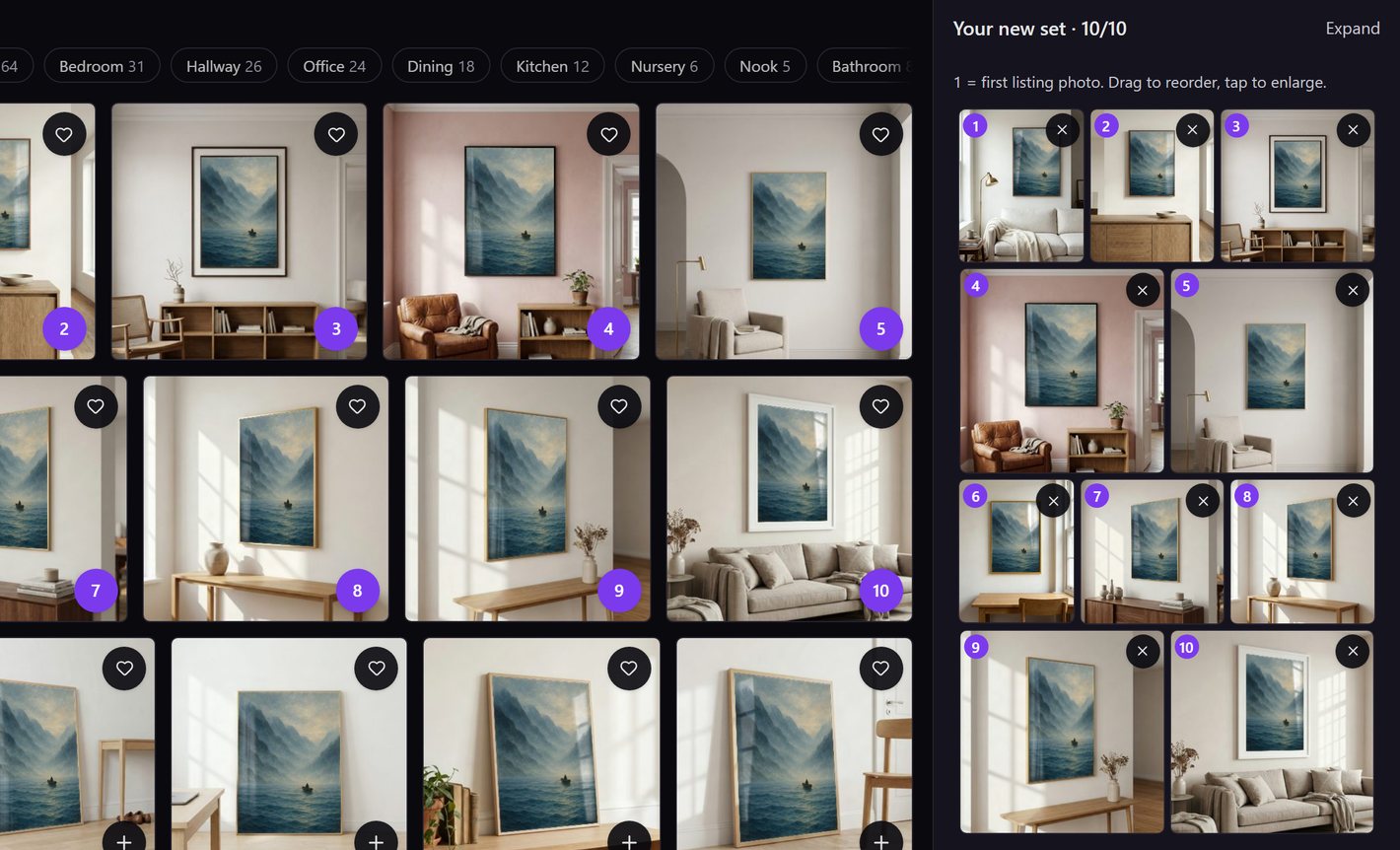
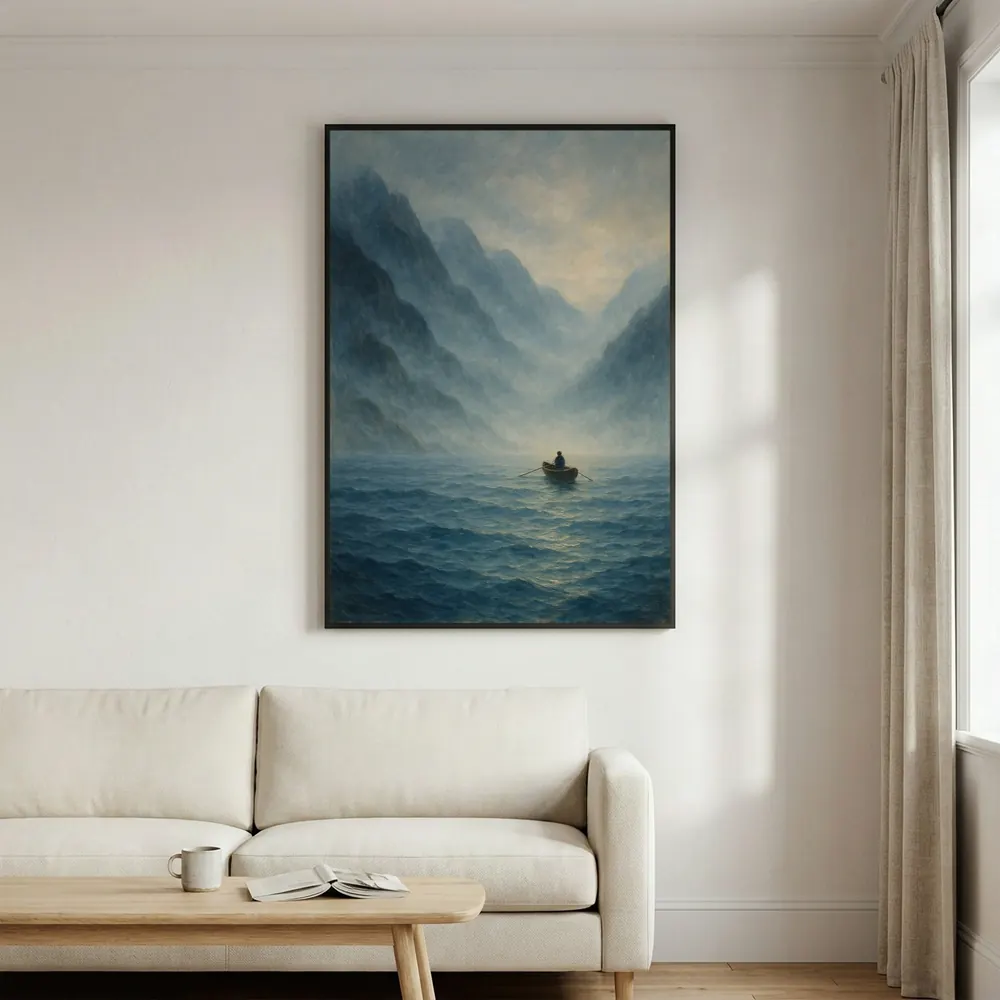
The room library in Mockups with a misty fjord print in every room, filters by room type, and a new room set of ten light rooms numbered 1 to 10
Pick your rooms from the library and build your own set.
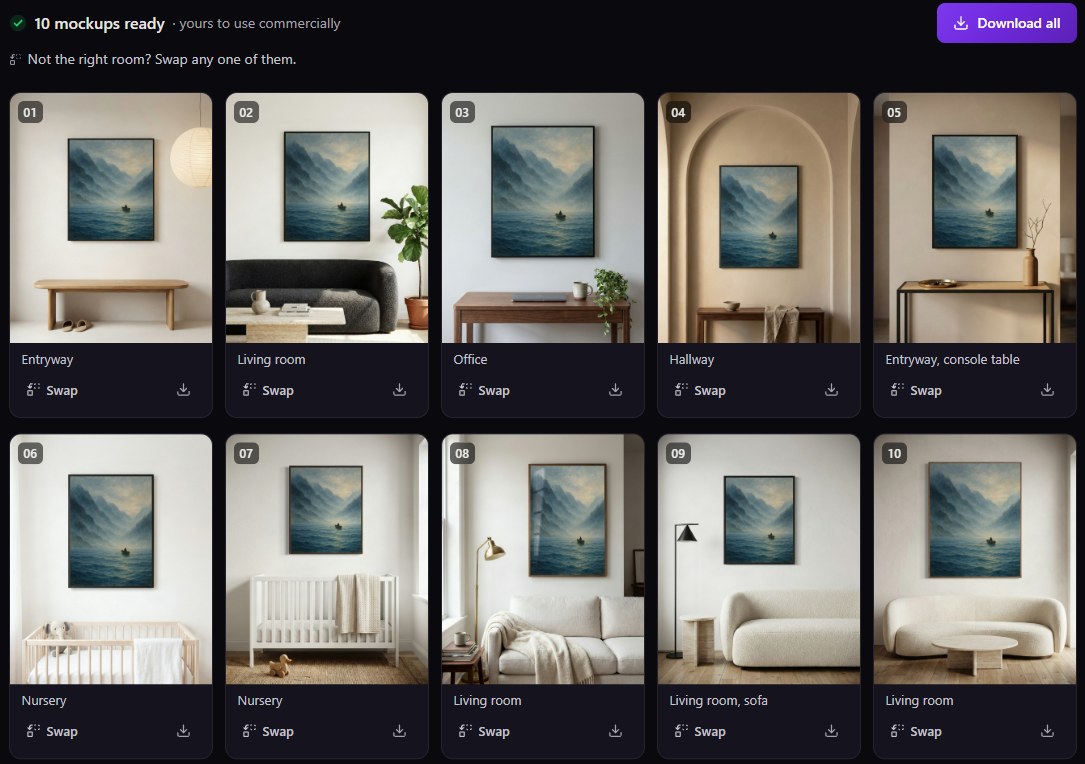
Ten finished mockups made from that set: the fjord print in light entryways, living rooms, an office and nurseries
One tap on Make: ten mockups from your set, ready to download.
Build a room set

Listing videos from your print

Every Etsy listing has a video slot. Fill it in about 30 seconds: upload your artwork, pick a room and download a 1080 × 1080 video, ready to add to your listing.

Your print in a room with a slow camera move: walk-ins, close-ups, lived-in rooms and room tours. Heart the ones that suit your shop.

Free includes 1 video to try, Pro 5 a month, and there is no monthly cap on Max.

Make a video

Listing Kit

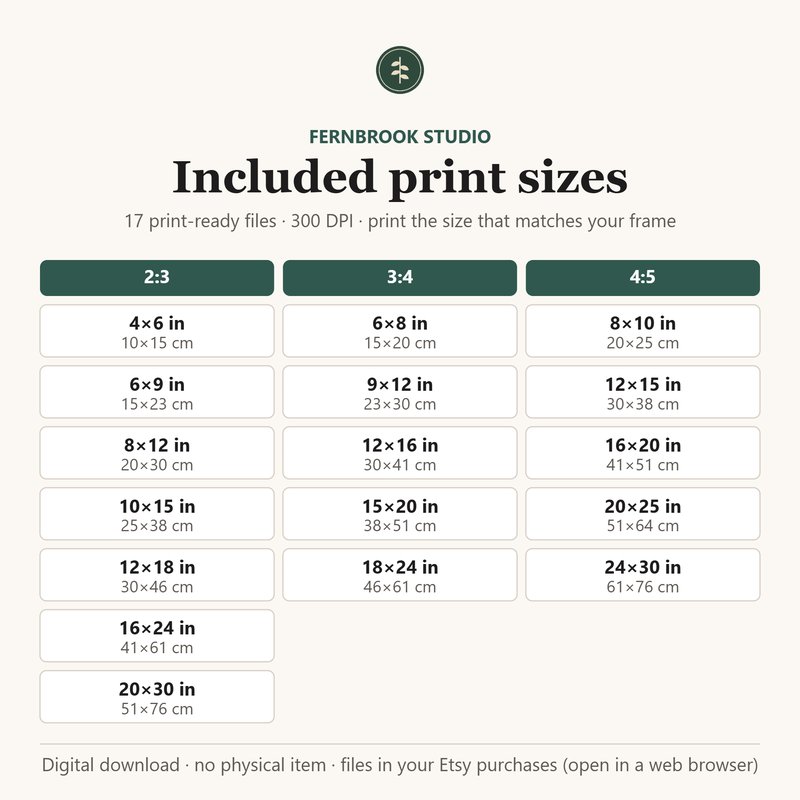
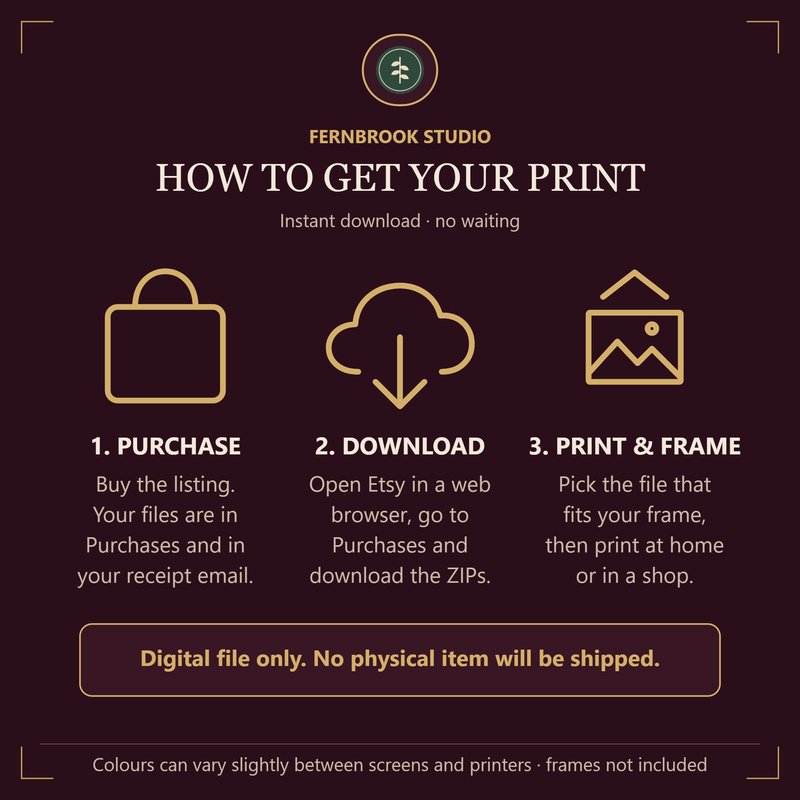
A size chart and a how-to-get-your-print image for your listing. Add your shop name, logo and colours, then download both as 2000 × 2000 px PNGs.

Included on every plan. Your shop name, logo and colours are remembered in your browser, and your logo never leaves it.

The sizes image in a light style for the sample shop Fernbrook Studio: three ratio groups, each size in inches and centimetres
The how-to image in a dark style for the sample shop Fernbrook Studio: purchase, download, print and frame
Open Listing Kit

Set of 3 mockups

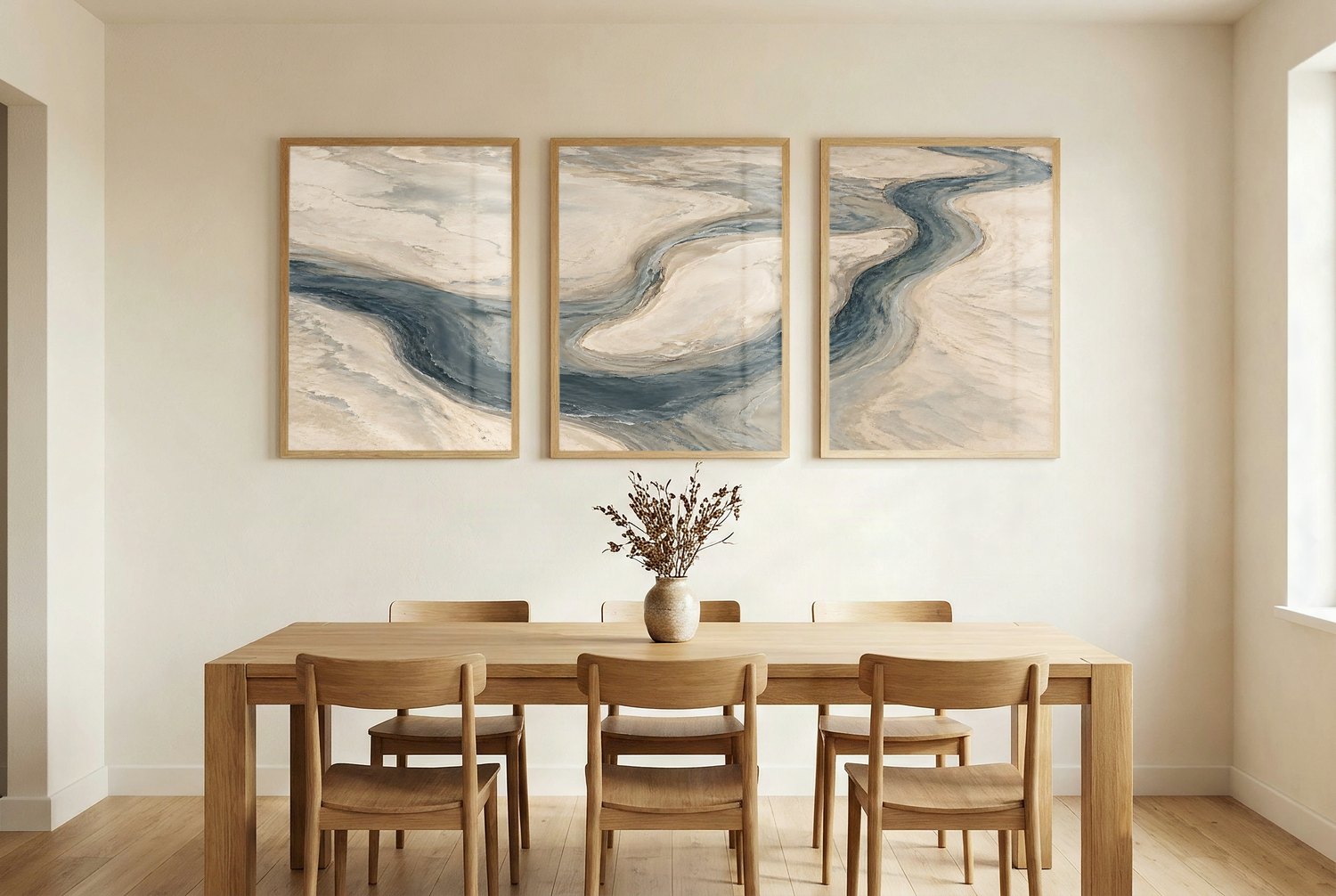
Hang three prints side by side in one room, the look Etsy set listings use. Choose your three, put them in order, and get room mockups with all three on the wall.

Preview your three in the rooms on any plan; creating the Set of 3 is on Max. Set of 2 works the same way for a pair.

Three matching prints hung side by side above a dining table
Preview Set of 3

Subject-aware sizing

Size Packs, My Packs and Quick Export fit every size around your subject to help keep it in proportion. Whole artwork kept, nothing cropped.

An AI model helps identify your subject; geometric resizing then fits your artwork to each format. No new artwork is generated.

A landscape painting of a horse under a full moon, sized from a 5:4 original to a 6×4 print
A 5:4 original as a 6×4 print.
Try it in Size Packs

Everything SnapToSize makes from one upload

SnapToSize is the whole Etsy listing workflow for digital wall art in one browser tool. Upload one artwork and it makes the print files, the room mockups and the listing video. Every example below is a real run from the live app.

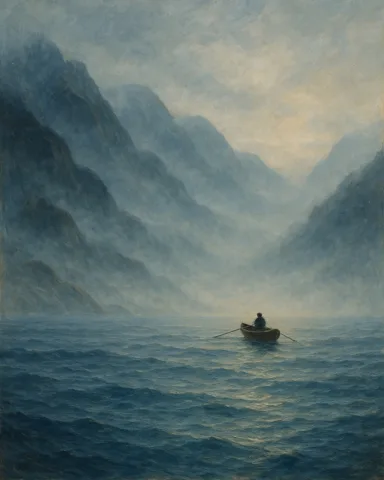
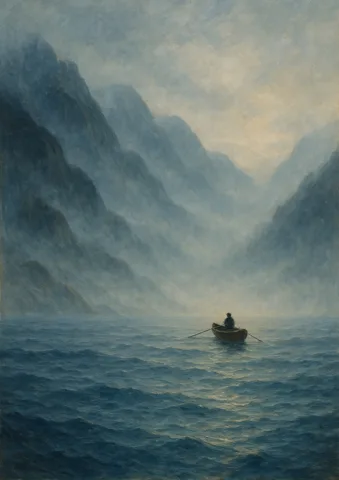
Misty Fjord, 2:3 print file
2:3

Every Etsy print size

Every standard Etsy print size in 5 ratio packs (2:3, 3:4, 4:5, A-series and common sizes) at 300 DPI. Each pack is its own ZIP, named and sized for Etsy's 20 MB limit, with the whole artwork kept.

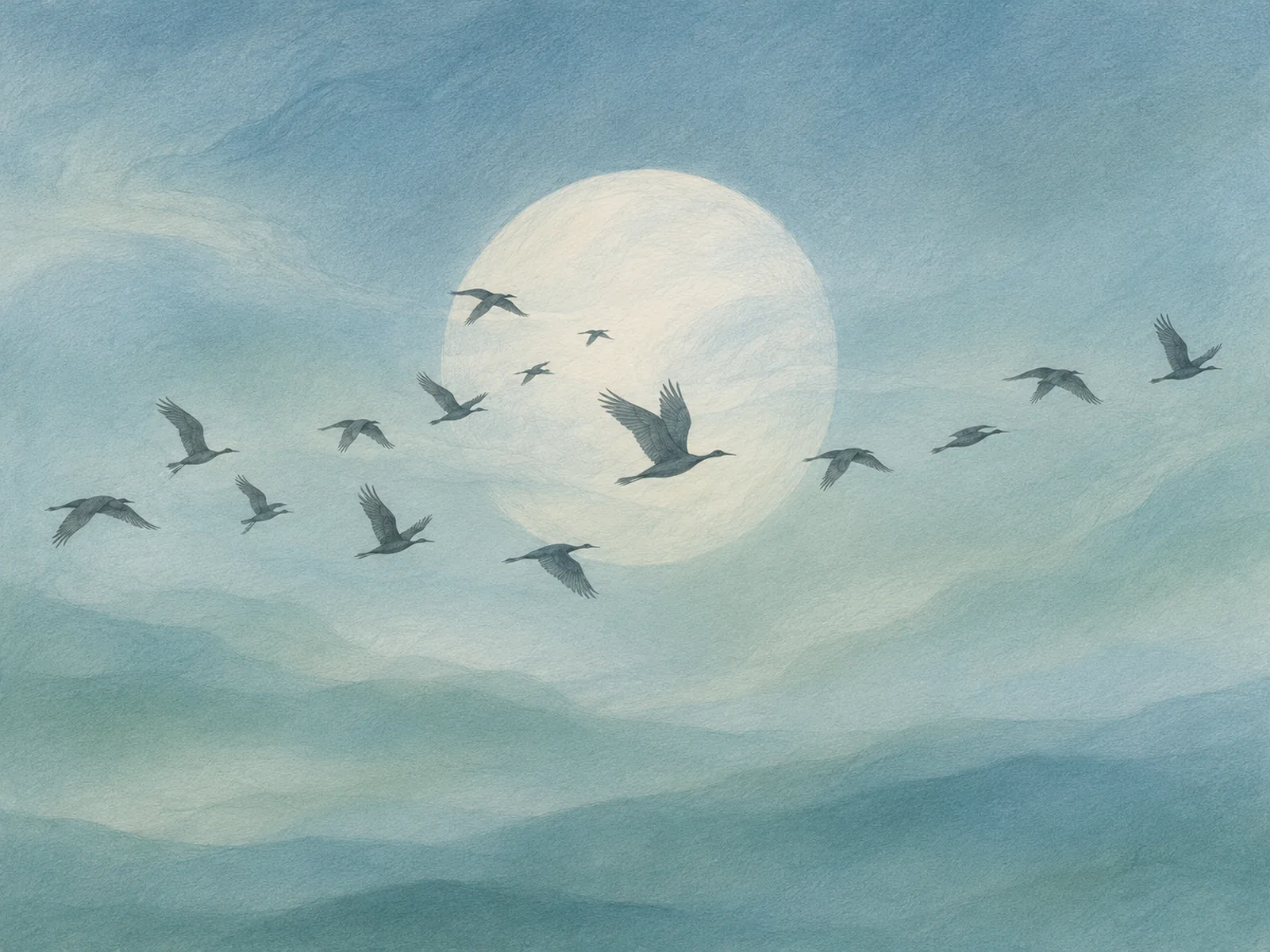
Moonlit Cranes, an AI-generated artwork upscaled before sizing

AI Upscale

Takes a small or AI-generated image up to 8x, up to 12,000 px on the long side, so it holds up at large print sizes. This one started at 1448 × 1086 px.

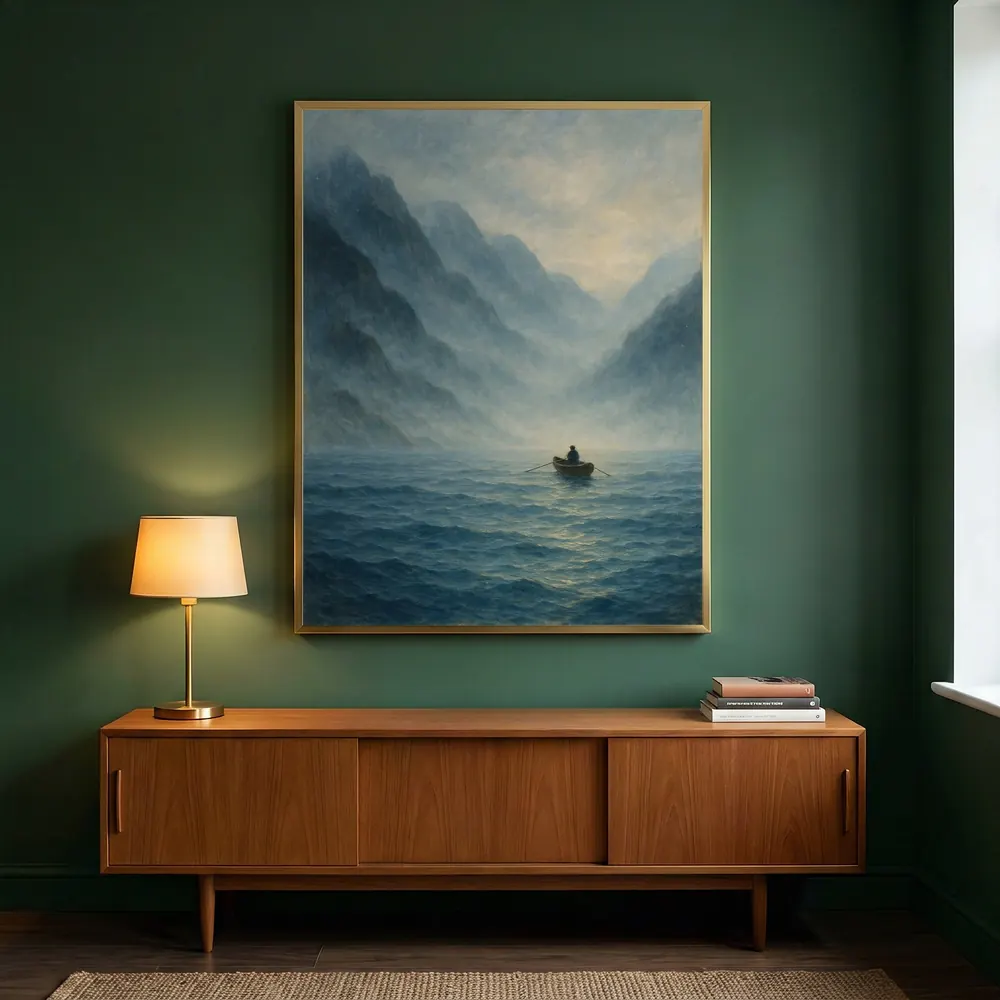
Misty Fjord in a room mockup

Room mockups

10 room photos per full pack, placed for you, from a library of 890+ scenes. Swap any room for another one from the whole library.

Room picked for the saved set

My Room Sets

Build your own mockup set: pick up to ten rooms from the whole library, save the set, and every new artwork drops into the same rooms.

Listing video

A short square video of your print in a room, for the video slot in the Etsy listing. 1 to try on Free, 5 a month on Pro, no monthly cap on Max.

Your pack

5×78×10A4

My Packs

Save the sizes you sell as your own pack, mixed from any ratio. For each new artwork: pick your pack, export, next artwork.

Also in the same tool: Perfect Fit to choose exactly what stays in the frame, Quick Export for a single size, Set of 2 and Set of 3 mockups, and the Listing Kit images (a size chart and a "How to get your print" image) on every plan. Free to start, commercial use on every plan.

Plans and limits are on the pricing page; how each mode works is in the user guide.