8×10 vs 12×16Standard Frame vs Taller Print
12×16 is 2.4× the area of an 8×10 and a taller 3:4 shape versus 8×10's 4:5 — so one file won't fit both without white bars or a crop.
Quick Answer
What is the difference between 8×10 and 12×16 print size?
Pixel Dimensions for 8×10 and 12×16 at 300 DPI
Exact pixel dimensions print shops and home printers need for sharp output. Always export at 300 DPI so the print stays crisp once it is framed.
| Size | Pixels (300 DPI) | Ratio | Area | SnapToSize |
|---|---|---|---|---|
| 8×10 (portrait) | 2400×3000 px | 4:5 | 80 sq in | 4:5 Pack |
| 8×10 (landscape) | 3000×2400 px | 5:4 | 80 sq in | 4:5 Pack |
| 12×16 (portrait) | 3600×4800 px | 3:4 | 192 sq in | 3:4 Pack |
| 12×16 (landscape) | 4800×3600 px | 4:3 | 192 sq in | 3:4 Pack |
How Much Bigger Is 12×16 Than 8×10?
A 12×16 print covers 192 square inches, while an 8×10 covers 80 square inches — about 2.4× the area. It is a real step up in presence, and because 12×16 is proportionally taller, it fills more vertical space on a wall than the jump in inches suggests.
8×10 is the everyday frame size; 12×16 is the larger, more dramatic option for art that benefits from height. Buyers often pick by the wall they are filling, so the two serve different spaces rather than competing.
Why One File Won't Fit Both Sizes
8×10 and 12×16 are not just different sizes — their aspect ratios are different too, which forces separate exports:
Scale an 8×10 design to fill a 12×16 and the top and bottom either show white bars or the image stretches taller and distorts. Keep each at its own ratio — and when you specifically need 12×16 from artwork built at 4:5, a Perfect Fit crop reframes it to 3:4 without stretching, with you choosing what stays in frame.
The clean approach: export 2400×3000 px for 8×10 and 3600×4800 px for 12×16. SnapToSize generates both from a single upload — no Photoshop, no manual resizing, no guessing which edge to crop.
One upload becomes both sizes
Drop in your art once. Get 8×10 and 12×16 back, your whole image kept, each file named and 300 DPI — plus every other Etsy ratio in the same export.
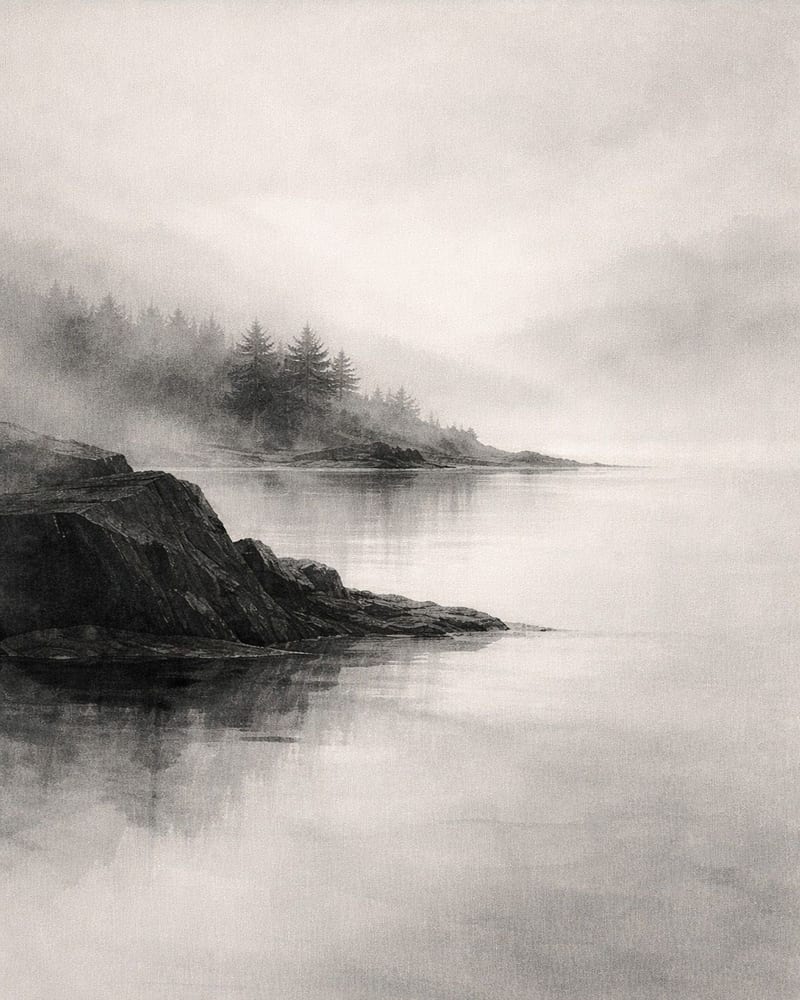
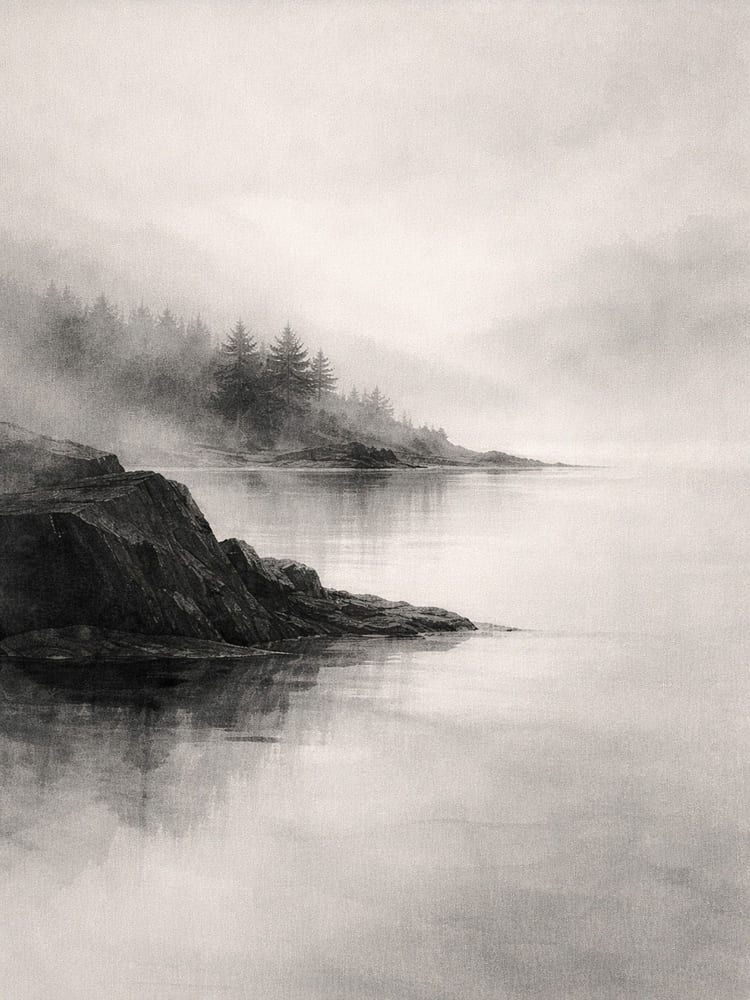
Every standard Etsy ratio — 2:3, 3:4, 4:5, ISO A, plus extras — up to 70 print-ready files from one upload, each ZIP under Etsy's 20 MB limit.
Want one exact ratio instead? Perfect Fit reframes with a focal crop you control — your proportions stay exact, and you decide what stays in frame. See how it works →
Offering 8×10 and 12×16 means two ratios, two exports, and double-checking you didn't crop the edges on either one.
Upload once. SnapToSize generates both sizes at the correct pixel dimensions and 300 DPI, each ratio handled — guaranteed under 20MB.
Export Both Sizes FreeNo account needed · No credit card required
Can You Put an 8×10 Print in a 12×16 Frame?
Yes — with a mat. A 12×16 frame with an 8×10 mat opening closes the gap and frames the print with a clean border, giving an 8×10 a larger footprint. Without a mat, an 8×10 print sits loose inside a 12×16 frame, so always include the matching mat.
The reverse does not work: a 12×16 print is too large for an 8×10 frame and would have to be cropped down. For framing details across common sizes, see the print size for frame guide.
When to Offer Each Size on Etsy
8×10 is the volume seller. It fits the most common photo frames and is the size most buyers search for first. For almost any art listing in the 4:5 family, 8×10 is essential.
12×16 serves the 3:4 crowd. It is the right size for art designed at 3:4 (the same family as 18×24) and for buyers who want a larger, taller piece with more drama.
Offer both and one listing covers both ratios — the 4:5 buyer and the 3:4 buyer — from a single upload, with no extra design work.
Frequently Asked Questions
Yes, considerably. A 12×16 print covers 192 square inches versus 80 for an 8×10 — about 2.4× the area. 12×16 is also a different shape: it is taller in proportion, so it reads as a larger, more poster-like piece while 8×10 fits standard photo frames.
8×10 is a 4:5 ratio (0.800). 12×16 is a 3:4 ratio (0.750). They are different proportions — 12×16 is taller and narrower relative to its width — which is why a file built for one shows white bars or needs a crop in the other. They are not interchangeable.
At 300 DPI, 8×10 needs 2400×3000 pixels and 12×16 needs 3600×4800 pixels (portrait). 300 DPI is the standard for sharp prints at both sizes; printing below it shows softness once the piece is framed.
Not cleanly. Because the ratios differ (4:5 vs 3:4), a straight scale leaves white bars and stretching distorts the artwork. Export each at its own ratio, or use a controlled, distortion-free crop to 3:4 when you specifically want the 12×16 from 8×10-ratio art.
Yes, with a mat. A 12×16 frame with an 8×10 mat opening bridges the gap and gives the print a clean bordered look. Without a mat, an 8×10 sits loose inside a 12×16 frame, so always include the matching mat. A 12×16 print will not fit an 8×10 frame.
8×10 is the dependable volume seller that fits the most frames. 12×16 wins for art designed at 3:4 (the same family as 18×24) and for buyers who want a larger, more poster-like piece. They suit different needs, so many listings offer both. SnapToSize generates 8×10 in the 4:5 pack and 12×16 in the 3:4 pack from one upload.
Selling printables in these sizes?
Knowing the dimensions is the easy part — delivering every frame-ready file is the work. SnapToSize turns one artwork into every standard print size at 300 DPI in a single export.
Export 8×10 and 12×16 in Seconds
Upload your design once. SnapToSize generates both sizes at the correct pixel dimensions and 300 DPI, named and under Etsy's 20 MB limit.
Export Both Sizes Free